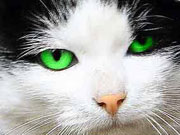
Expressive cat eyes
あいにく, このページは英語にだけ使用可能です。
The example has been made by S.I Serikov.
You can use photo coloration software AKVIS Coloriage AI to create original photos of animals.
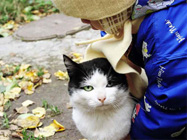
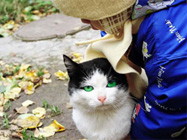
For example, you can make the eyes of this cat more expressive by applying a brighter color. We will also make the cat's nose more rose.
 |
 |
-
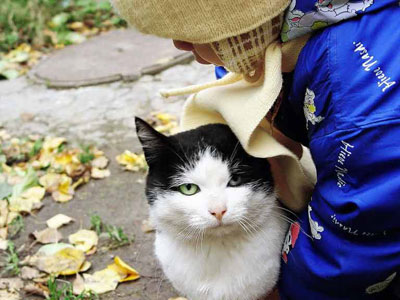
Step 1. Open the original photo of the cat.
-
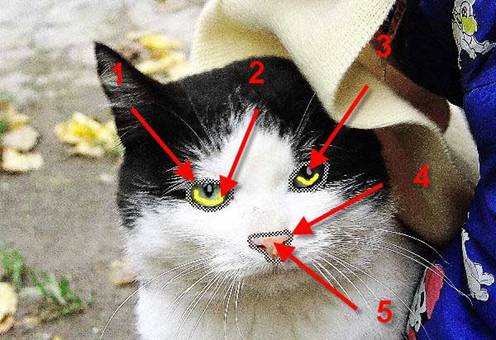
Step 2. Outline both eyes with the Keep Color Pencil
 (arrow 1), draw strokes inside the eyes with the Pencil tool
  (arrow 2). Put light grey points on the eye pupils (arrow 3).
-
Step 3. Outline the cat's nose with the Keep Color Pencil (arrow 4). Draw two strokes within the outline with the Pencil tool (arrow 5) - you can select an appropriate color from the Color Library, from the special palette with the human skin colors. The vertical stroke does not reach the left border of the nose on purpose, since this will achieve a smoother color transition.
-
Step 4. Start the colorization process by pressing the button
 . If you are not satisfied with the color of the eyes, you can go back to the Before tab and change the color using the Tube tool
  .
.
Below are two versions of color correction of the cat's eyes and nose.
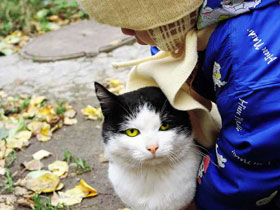
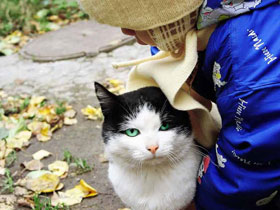
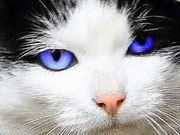
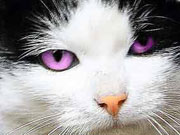
You can try different colors, even the most exotic ones.
Coloriage AI v. 15.7 - 10日間の評価期間
