Colorize a photo for a collage
The author of the tutorial is John Bloor.
 |
 |
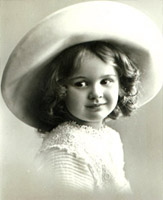
John found the photo of this charming girl when he searched the web for new specimens for his collection of old photos.
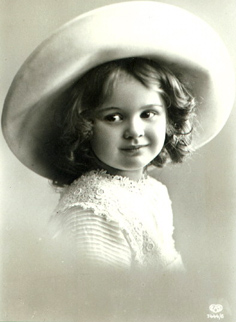
First, he wanted just to colorize the portrait using the AKVIS Coloriage AI plug-in, but "the appetite comes with eating" and the colorization developed into photo collage creation.
But colorization comes first. He opened the photo of the small girl in AliveColors and called the plug-in AKVIS Coloriage AI.
In the Before tab of the plugin's window he assigned colors to every object by drawing outlines within every object of the portrait.
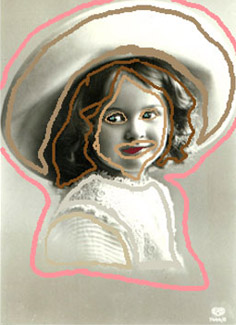
He pressed the button  to start the colorization process.
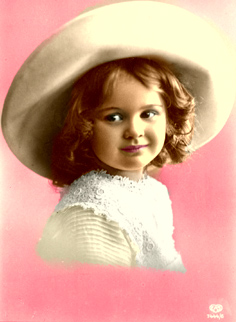
He pressed the button  to apply the result of colorization to the picture and to close the plug-in window.
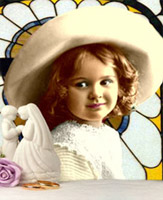
However, John didn't stop there. He considered the one-color background not impressive enough and decided to use the colorized portrait for photo collage creation. He selected the figure of the girl using the Lasso tool, copied the selection and pasted it into a new image with a black background.
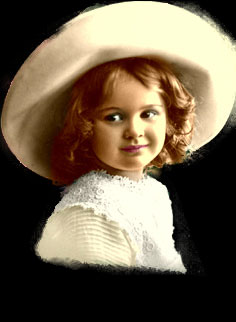
In the black background the jagged borders of the photo have become visible. We can touch up the borders with the tools Eraser, Blur Tool and Clone Stamp.
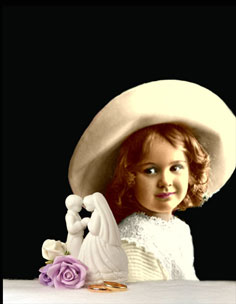
Then, John added some objects copied from other pictures to the foreground.
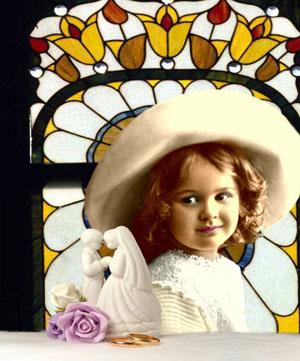
In the last stage he pasted a piece of a stained-glass window to the background.
Coloriage AI v. 15.7 - 10日間の評価期間
