A Portrait of a Geisha
あいにく, このページは英語にだけ使用可能です。
The author of the tutorial is Laura Mabee.
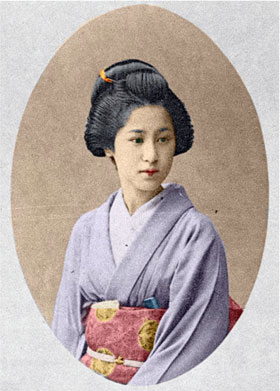
Laura decided to colorize a photo of a geisha taken at the beginning of the XX century. She used the Coloriage AI plug-in in AliveColors to breathe new life into the portrait by adding color to it. It's possible to use the standalone version of Coloriage AI to achive this result.
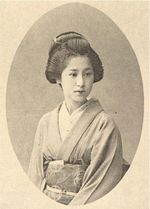 |
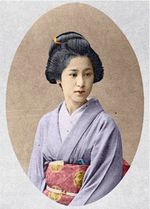 |
-
Step 1. Open a photo.
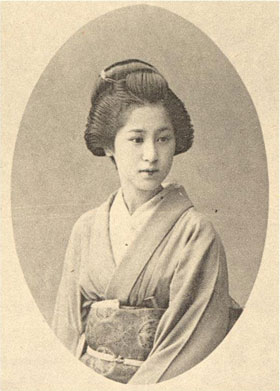
- Step 2. Call the plug-in AKVIS Coloriage AI. For this purpose select the menu item Effects -> AKVIS -> Coloriage AI in AliveColors.
-
Step 3. Outline every object with the color you have chosen for it. You can select colors from the Color library. To assign a color to small details, you should first scale the image using the buttons (+/-) or the slider in the Navigation window.
Use hot keys to adjust the brush size of the Pencil : to reduce the brush size press the key [, to increase the brush size press the key ] in the keyboard.
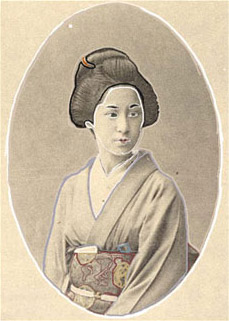
-
Step 4. Press the button
 and the portrait will be colorized:
Coloriage AI v. 15.7 - 10日間の評価期間
