Khan Palace Photo
The author of the example is Alexey Pasko. The example is done with the AKVIS Enhancer plugin in AliveColors.
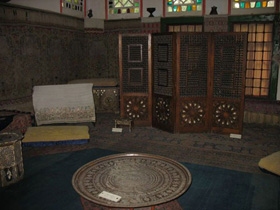
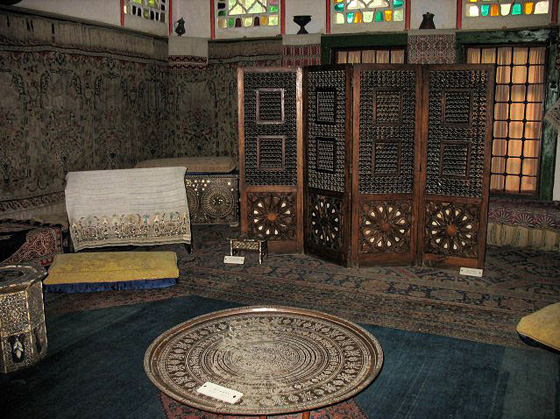
Using the AKVIS Enhancer plug-in and the tools of the graphic editor Alexey corrected a photo of one of the Khan Palace rooms in Bakhchisarai. Because of the stained glass in the windows the light was weak and the flash could only light the nearest objects. That's why most of the image came out too dark.
-
Step 1. Open the photo in AliveColors.
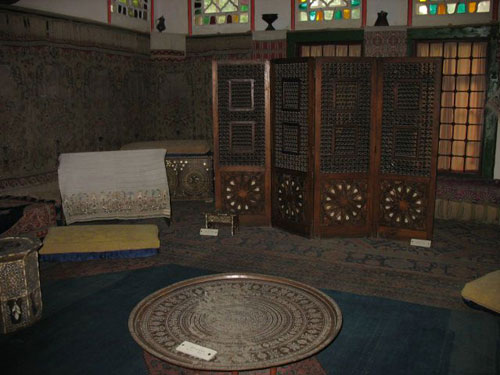
- Step 2. Create a copy of the background layer (Layers -> Duplicate).
-
Step 3. In the background copy layer call AKVIS Enhancer plug-in.
Select Improve Detail mode and set its parameters. As the carpets on the floor and the walls are ancient, the pattern can not be clear and the colors can not be saturated.
Adjust the settings to reveal details in the dark part of the photo.
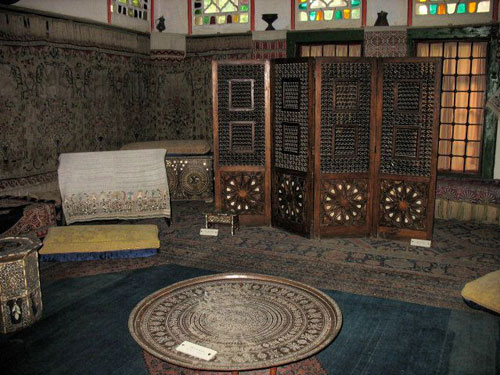
Apply correction results by pressing the button
 on the upper plug-in bar.
-
Step 4. Increase contrast of some details by using Curves Adjustment layer with a mask.
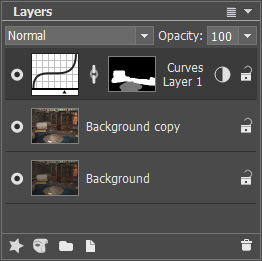
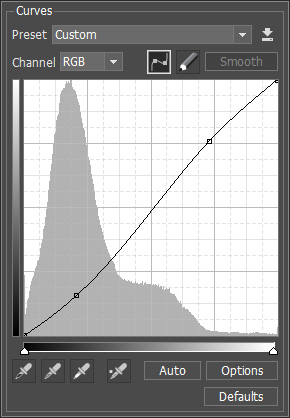
-
Step 5. In the end increase sharpness with the Unsharp Mask filter.
As a result the image has become more detailed (especially in the dark part of the photo), carpet patterns and the screen trellis are more visible now and at the same time their colors are preserved.
Enhancer v. 17.8 - 10日間の評価期間
