Fashion Show
あいにく, このページは英語にだけ使用可能です。
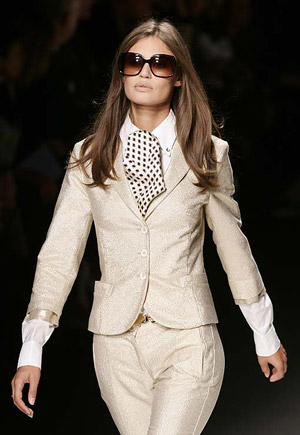
The author of the example is Héctor Calle E.
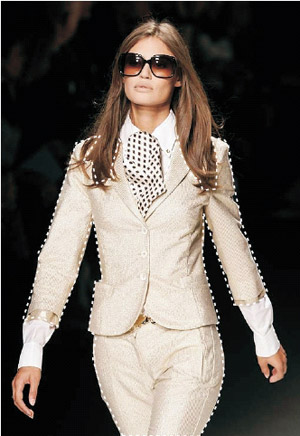
Models in a fashion show have to change their clothes all the time to present new items to the public. With AKVIS Decorator they can take a break - the program applies a new texture and color to the clothes in a flash.
- Step 1. Open the image in AKVIS Decorator. In this example we will apply a new texture/color to the model's clothes and accessories.
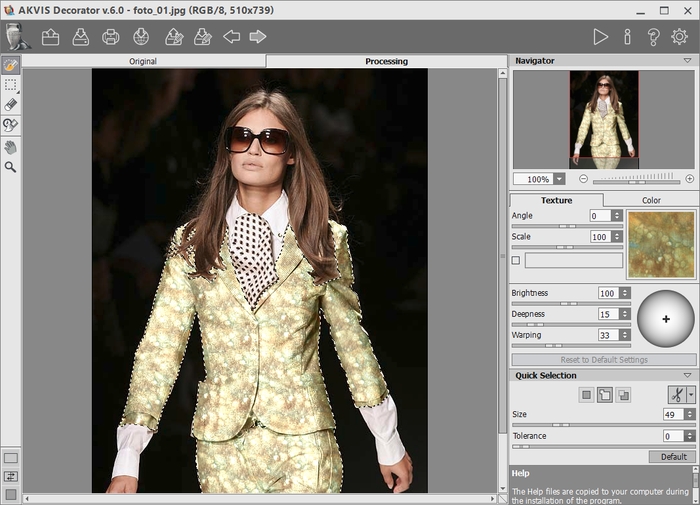
- Step 2. Select the suit of the girl using Quick Selection
 .
.
- Step 3. Select a suitable texture from the texture Library. For this purpose open the Library with a double click of the left mouse button on the box with a texture. We select the Fabric group and choose a pattern.
Press the button
 and see the result in the Processing tab.
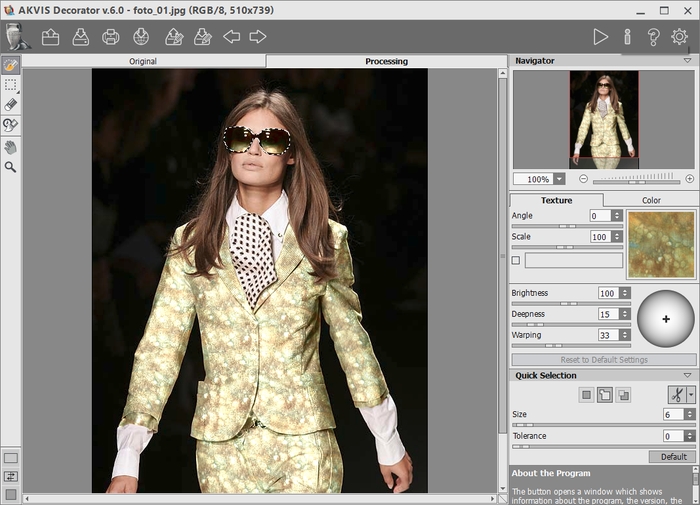
- Step 4. So we changed the color of the suit, but we also want to recolor the accessories. Let's change the color of the sunglasses. Select the sunglasses using the same tool.
Press the button
and see the result in the Processing tab.
- Step 5. Do the same with her necktie. Сhoose a green color in Color tab for recoloring necktie.
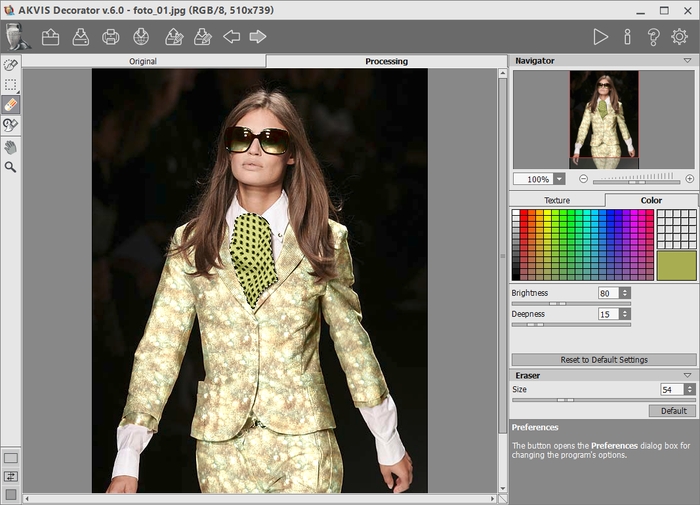
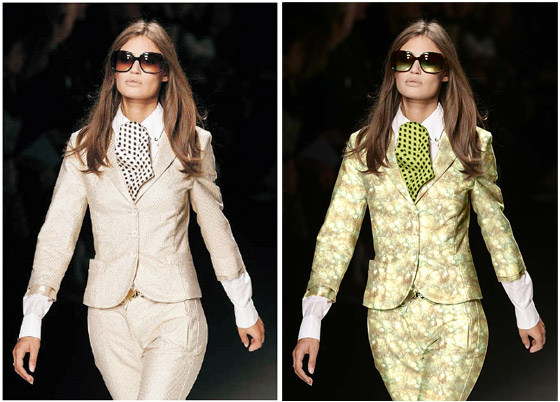
Here is the final result. There is no limit to creativity! As you can see working with AKVIS Decorator is very easy!
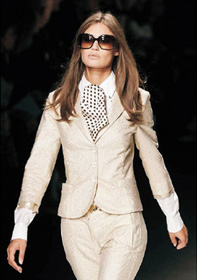 |
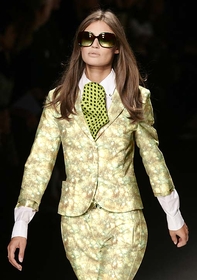 |
| Original image | Result |
Decorator v. 9.1 - 10日間の評価期間
