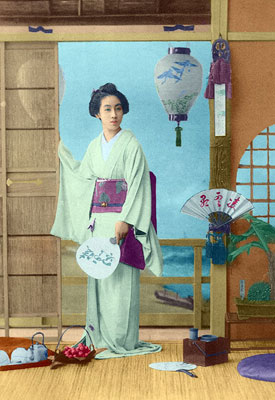
An old postcard with a Geisha
The example has been made by Laura Mabee with the help of the AKVIS Coloriage AI plugin in AliveColors. You can use the standalone version of Coloriage AI, and do the same things to achive this result.
The description of the example is written by the author:
I am going to show you in this tutorial how I made antique exoticism come to life with AKVIS Coloriage AI with this early 1900's picture of a Geisha:
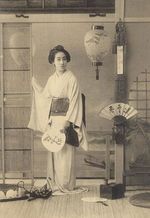 |
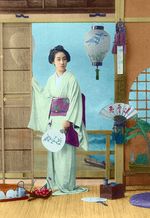 |
-
Step 1. Open the postcard with a Geisha in your photo editor.
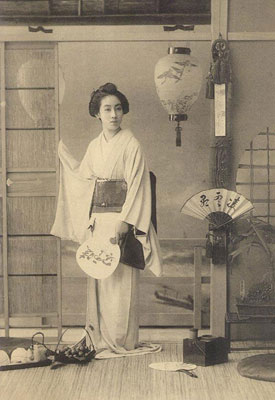
- Step 2. Start the AKVIS Coloriage AI plug-in. For this purpose in AliveColors select the menu item Effects -> AKVIS -> Coloriage AI.
-
Step 3. Decide which colors you wish to use to make your image a piece of art. Take your time, remember that Da Vinci didn't paint the Mona Lisa in an hour.
Using the very useful Color Library, choose the colors for the postcard:
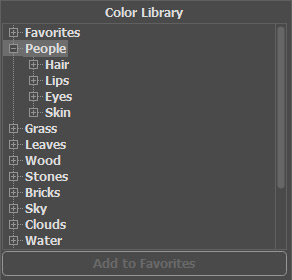
- Step 4. Start to outline the objects in your image with their respected colors using the Pencil tool
 .
.
Use hot keys to adjust the size (diameter) of the Pencil: to reduce the brush size press the key [, to increase the brush size press the key ] in the keyboard.
If you feel that you want to get smaller details, just zoom in with Coloriage AI's Navigator.
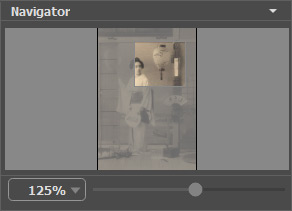
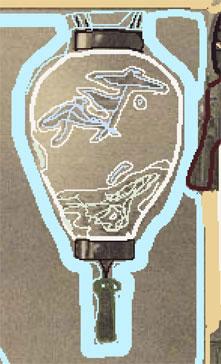
- Step 5. Depending on the amount of detail you wish to use, you can be meticulous or you can simply sketch your way to the final piece! Being meticulous with the lamp shade:
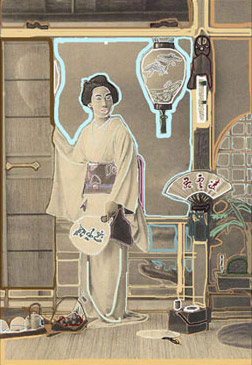
- Step 6. Look at your picture after you think you've got everything done:
- Step 7. Then press the coloriage arrow
 and Voilà!
Coloriage AI v. 15.7 - 10日間の評価期間

- Step 4. Start to outline the objects in your image with their respected colors using the Pencil tool