How It Works
AKVIS OilPaint offers an incredible algorithm for creating oil paintings out of photographs. The transformation happens before your eyes: the program authentically reproduces the technique of the real brush creating a work of art that looks like a handmade oil painting.
Even if you are not a professional painter you can create your own masterpiece. With this software you can become an artist!
The software is available as a standalone program and as plugin for photo editors. The functionality of the program depends on the license type. Consult the comparison table for detailed information.
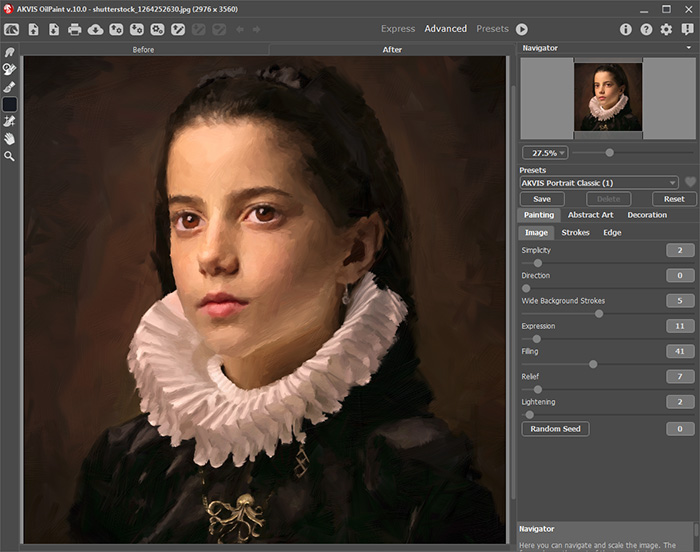
Read our tutorial to learn how to create an oil painting out of a photo:
- Workspace
- Using the Program
- Timeline
- Tools & Brushes
- Oil Painting Effect
- Abstract Art
- Canvas
- Frames
- Text & Watermark
- Presets
- Preferences
- Batch Processing
OilPaint v. 11.1 - Free 10-day Trial
