Camuflagem para animais
O autor deste exemplo é Alvaro Salazar Chacon. Foi feito com o plug-in AKVIS Decorator no AliveColors.
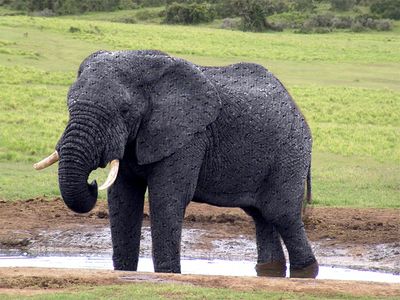
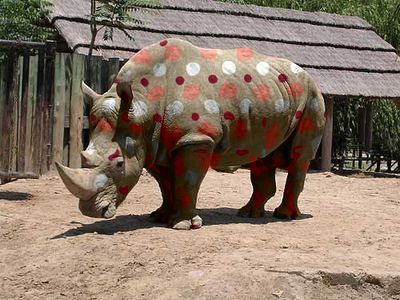
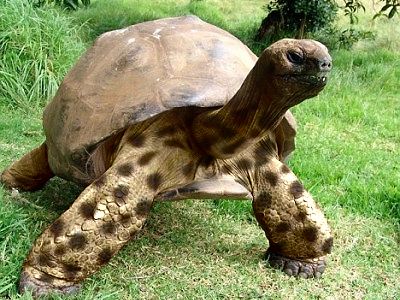
Onde a natureza escolheu modéstia e discrição, o homen, por vezes, faz experimentações ousadas. O plug-in AKVIS Decorator pode mudar a textura da pele de um animal, escondendo-o sob a de outro animal, ou dando-lhe um colorido engraçado.
- Passo 1. Escolha a foto de um animal e abra no editor gráfico.
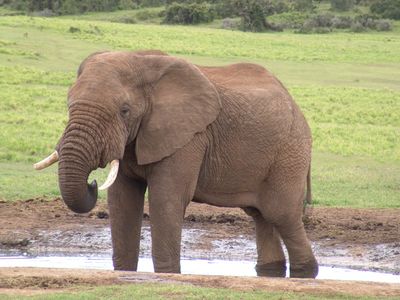
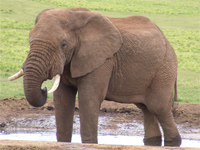
Imagem Original - Passo 2. Selecione as partes do corpo onde a textura será modificada. A ferramenta Nova forma
 é útil para isso, desde que sua habilidade de fazer seleções precisas possa prevenir erro.
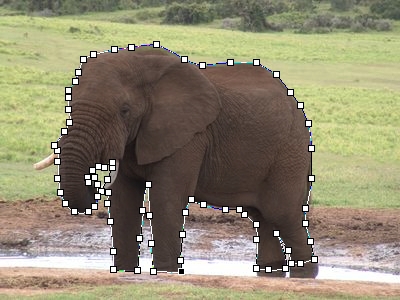
Marcando Limites - Passo 3. Uma vez que o objeto tenha sido selecionado completamente, clique o botão direito, escolha Rasterize Layer e Add Alpha Channel to Selection no menu de atalho.
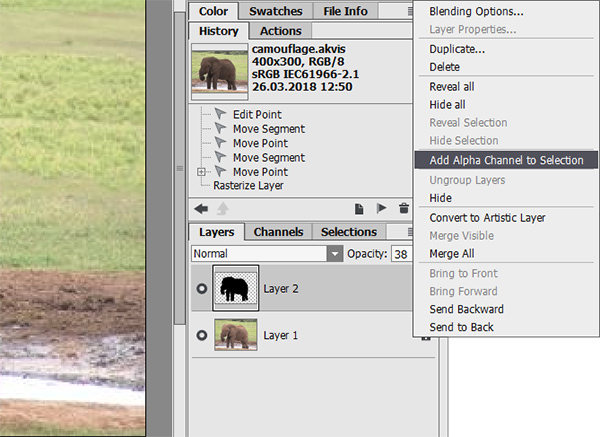
Fazendo uma Seleção - Passo 4. Acione o plugin AKVIS Decorator. No AliveColors faça isso escolhendo Efeitos -> AKVIS -> Decorator.
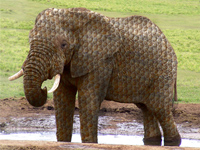
A biblioteca de textura tem várias texturas que podem ser usadas para camuflar – por exemplo, para cobrir a pele do elefante com escamas de peixe.
- Passo 5. Pressione o botão
 para iniciar o processo de mapeamento da textura.
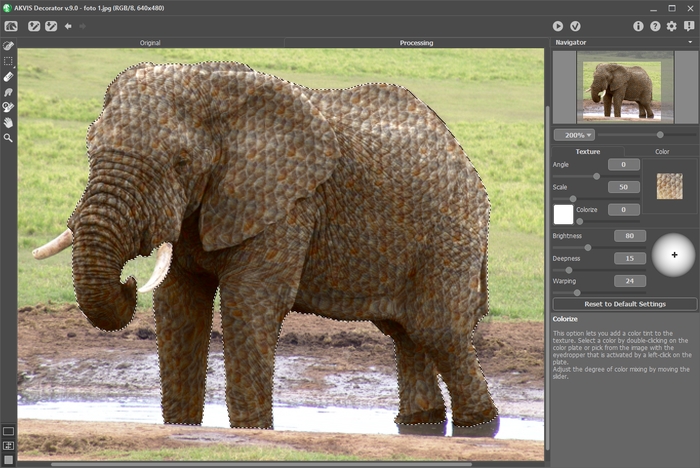
Mapeamento da Textura - Passo 6. Se você está satisfeito com o resultado, pressione o botão
 . Alguns exemplos do uso do Decorator para aplicar várias cores são mostradas abaixo.
Decorator v. 9.1 - Teste gratuito 10 dias
