Repeindre les animaux
L'auteur de cet exemple est Alvaro Salazar Chacon. Il a utilisé la version plug-in de AKVIS Decorator dans AliveColors.
Contrairement à la nature qui choisit souvent la modestie et la retenue, l'homme préfère des expériences audacieuses. Le plug-in AKVIS Decorator peut changer la texture de la peau d'un animal en dissimulant sous celle d'un autre animal ou en donnant notre ami une couleur ludique.
- Étape 1. Choisissez une photo d'un animal et ouvrez-la dans votre éditeur graphique.
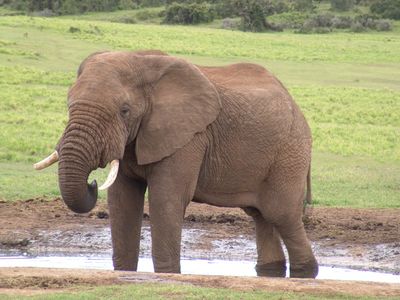
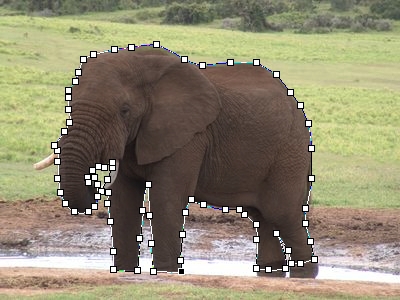
Image originale - Étape 2. Sélectionnez les parties de l'animal sur lesquelles la texture sera modifiée. L'outil Nouvelle forme (Forme libre)
 est utile pour cela, puisque sa capacité à dessiner avec la plus grande précision permet d'éviter les erreurs. En utilisant cet outil, vous pouvez isoler de gros éléments en redessinant leurs contours.
Marquage des contours - Étape 3. Pour transformer le tracé en sélection, ouvrez la fenêtre Tracés, choisissez Pixellisation du calque et Ajouter la couche alpha á la sélection dans le menu.
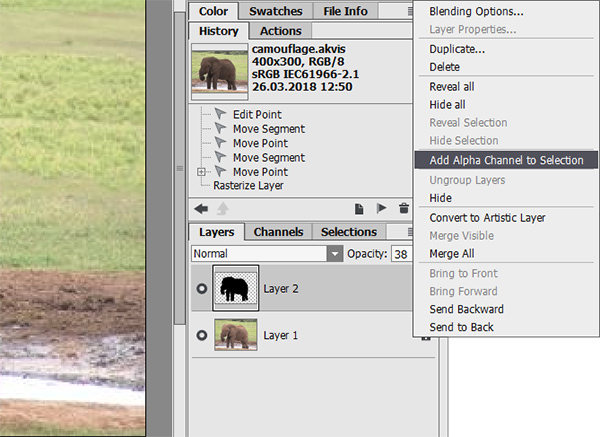
Définir une sélection - Étape 4. Appelez le plug-in AKVIS Decorator en choisissant Effets -> AKVIS -> Decorator dans AliveColors.
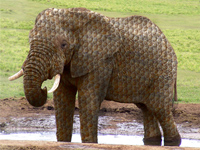
La Bibliothèque des textures a beaucoup de textures qui peuvent être utilisées pour le camouflage - par exemple, vous pouvez transformer la peau de l'éléphant en écailles de poisson.
- Étape 5. Appuyez sur le bouton
 pour appliquer la texture choisie à la zone sélectionnée.
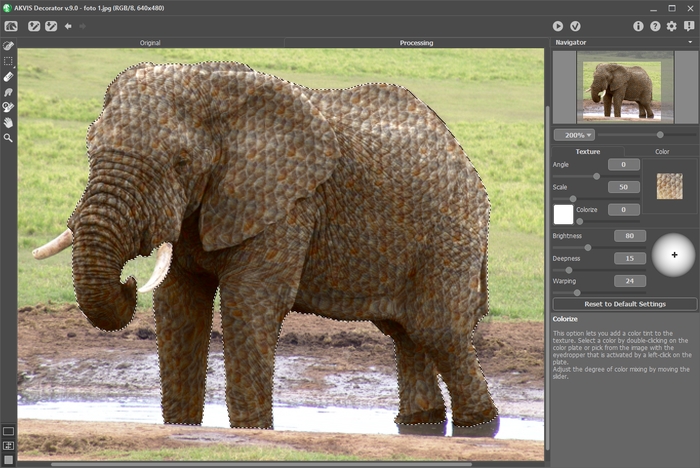
Mappage de la texture - Étape 6. Si vous êtes satisfait du résultat, appuyez sur le bouton
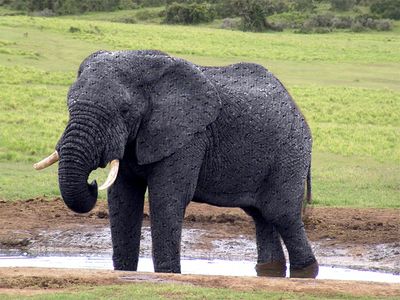
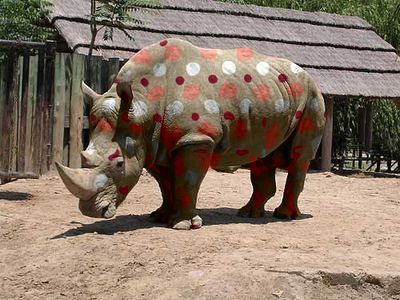
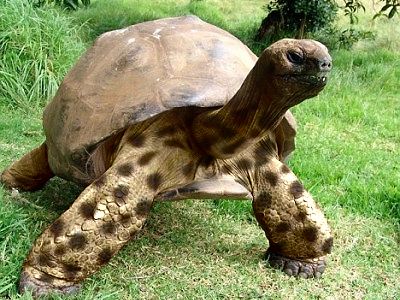
 . Voici d'autres exemples de l'utilisation de Decorator pour repeindre les animaux :
Decorator v. 9.1 - 10 jours d'essai
