Flor do campo
O autor deste exemplo é K. J. Hartmann.
«Há muito tempo procuro por uma imagem B&W para ver como AKVIS Coloriage AI poderia lidar com esta imagem. Parece que nada pode ajudar a colorir esta foto. Apesar disso tentei colori-la usando este plugin. O resultado me instigou».
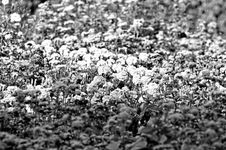
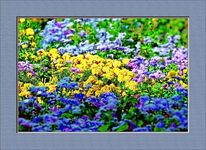
Vamos tentar seguir seus passos para alcançar o mesmo resultado.
Neste tutorial foi utilizada a versão plugin de Coloriage AI. Mas você pode usar o programa independente (standalone) para fazer as mesmas coisas.
-
Passo 1. Abra sua imagem no AliveColors.
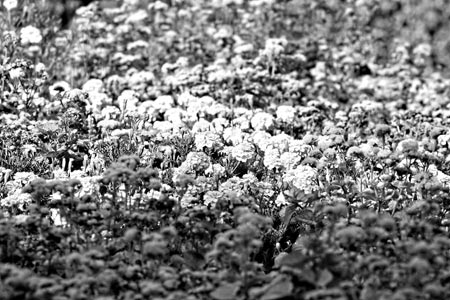
- Passo 2. Chame o AKVIS Coloriage AI do menu principal do AliveColors: Effects -> AKVIS -> Coloriage AI.
-
Passo 3. No modo Clássico use o Lápis
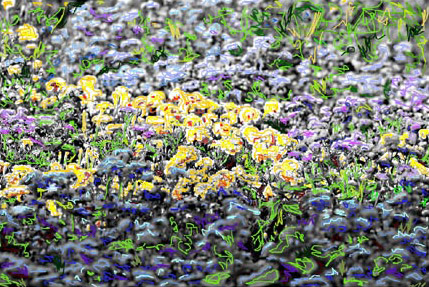
 para traçar um contorno dentro das flores. Fixe a cor para cada objeto na foto. Selecione a cor da paleta Cor (Color) ou da Biblioteca de cores. Tenha em mente que levará um longo tempo para colorir esta foto. O resultado deverá ser como este.
-
Passo 4. Pressione o botão
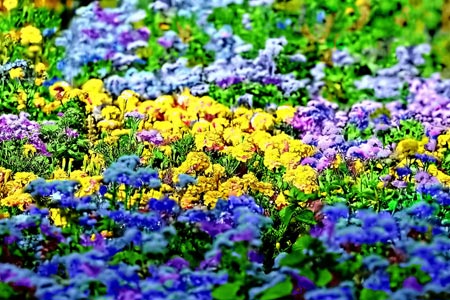
 . O resultado do seu cuidadoso trabalho será mostrado na aba Depois. Aqui esta a imagem colorida.
-
Passo 5. Se estiver satisfeito com o resultado, pressione o botão
 . Se desejar mudar alguma coisa, clique com o lado esquerdo do mouse sobre a aba Antes. Nesta aba é possível mudar a cor as cores das flores. Escolha a ferramenta Tubo
  ou o Tubo mágico
  .
.
- Passo 6. Selecione a cor de novo da Biblioteca de cores e clique o mouse sobre a linha.
-
Passo 7. De novo pressione o botão . Se ainda não estiver satisfeito, repita os passos 5 e 6 até conseguir a imagem que gosta.
-
Passo 8. Pressione o botão para aplicar o resultado e feche a janela do plugin.
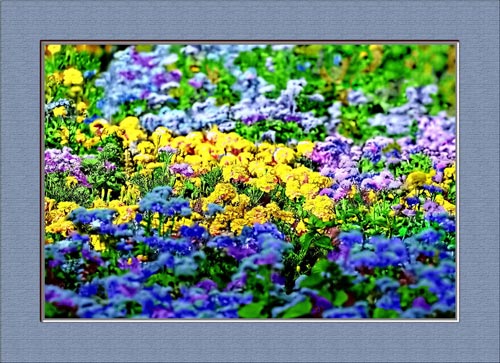
Esta pintura pode ser emoldurada.
Coloriage AI v. 15.7 - Teste gratuito 10 dias
