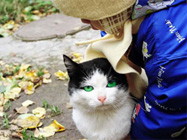
Olhos de gato expressivos
O exemplo foi criado por S.I. Serikov.
Pode-se aplicar o programa AKVIS Coloriage para criar imagens originais de animais.
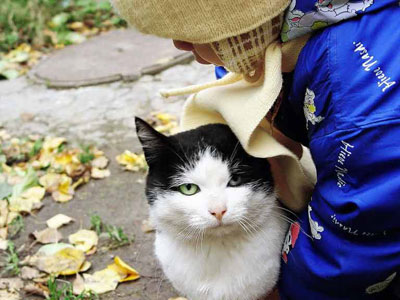
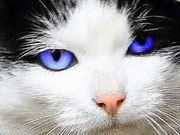
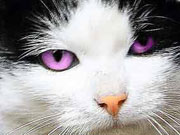
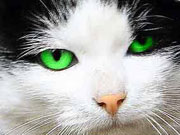
Por exemplo é possível tornar os olhos do gato mais expressivos dando-lhes uma cor mais viva. Ainda tornamos o nariz do gato mais rosado.
-
Passo 1. Abra a imagem do gato em seu programa de edição de imagens.
-
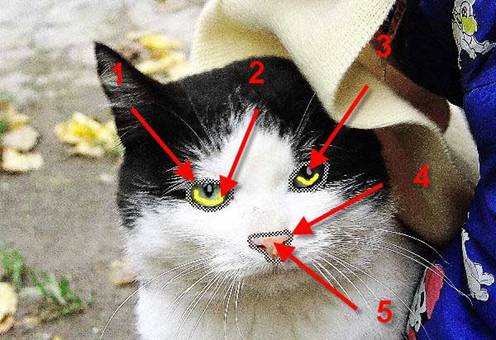
Passo 2. Contorne cada olho do gato com a ferramenta Lápis manter cores
 (flecha 1), trace linhas dentro de cada olho com a Lápis
  (flecha 2). Coloque pontos de cor cinza claro sobre as pupilas (flecha 3).
-
Passo 3. Contorne o nariz do gato com a ferramenta Lápis manter cores (flecha 4). Trace linhas dentro do contorno com a ferramenta Lápis (flecha 5), pode escolher uma cor conveniente na Biblioteca de cores, da paleta tons de pele humana. A linha vertical não chega até a borda esquerda do nariz doo gato porque assim permite fazer uma transição de valores mais suave.
-
Passo 4. Aperte o botão
 para dar partida ao processo de colorização. Se a cor dos olhos não satisfizer, pode retornar à janela Antes e mudar a cor usando a ferramenta Tubo
  .
.
Aqui em baixo estão as versões da correção do nariz e dos olhos do gato.
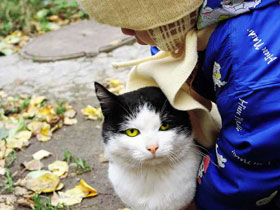
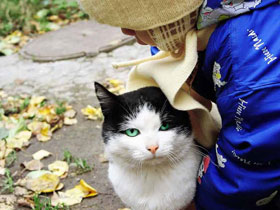
Pode experimentar cores diferentes, mesmo as mais exóticas.
Coloriage AI v. 15.7 - Teste gratuito 10 dias
