African kids
あいにく, このページは英語にだけ使用可能です。
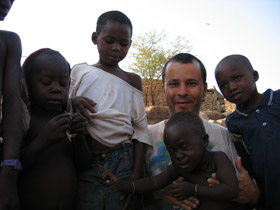
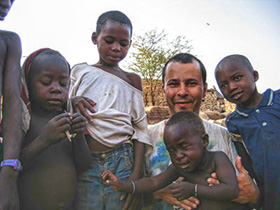
This photo was taken by Lucas Leon in Africa. The photo is underexposed and details in the lower part of the photo are not visible.
|
|
| Before | After |
Here we use the Enhancer plugin, but you can take the standalone edition with the same parameters to achieve this result.
- Step 1. Open the image in your photo editor.
Call the plugin AKVIS Enhancer. The image will be processed at the default values of the parameters.
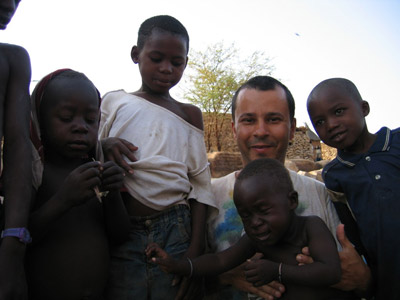
- Step 2. We will keep the parameters Level of Detail and Highlights unchanged, while the values of the Shadows and Lightness parameters will be increased to 90 and 70 accordingly. It brings out details from the dark areas in the lower part of the image.
- Step 3. Press the button
 to apply the results of the image processing and close the plug-in window.
Enhancer v. 17.8 - 10日間の評価期間
