Elementi degli effetti di luce: Particelle
L'elemento Particelle ha la forma di numerosi corpuscoli propagati da un unico centro.
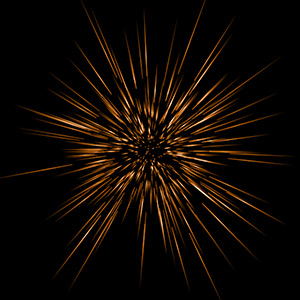
È possibile trasformare l'effetto della luce con lo strumento  . Nel pannello Proprietà elemento modificare la Posizione e dimensione e Colore dell'elemento.
Inoltre è possibile regolare i parametri speciali delle Particelle:
-
Dimensione elemento (1-200). Il parametro definisce la dimensione dell'elemento.
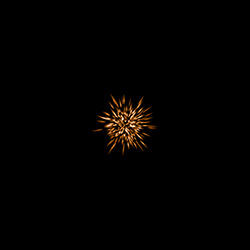
Dimensione elemento = 40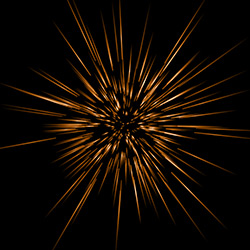
Dimensione elemento = 120 -
Particelle (1-100). Il parametro definisce il numero di particelle luminose che compongono l'elemento. Aumentando il valore di 1, viene incrementato il numero di particelle di 10.
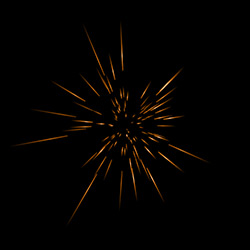
Particelle = 10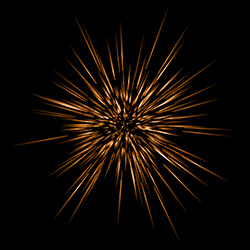
Particelle = 50 -
Lunghezza particelle (1-100). Il parametro cambia la lunghezza massima delle particelle, che possono avere diverse lunghezze, ma non possono superare il valore specificato.
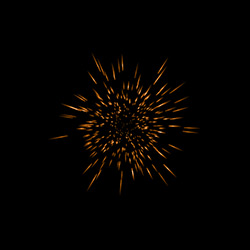
Lunghezza particelle = 10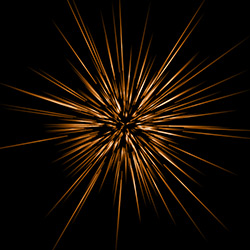
Lunghezza particelle = 50 -
Lunghezza casuale (0-100). Questo parametro specifica l'intervallo della lunghezza delle particelle. Aumentandolo, si amplificano le varianti della lunghezza dei corpuscoli nell'elemento.
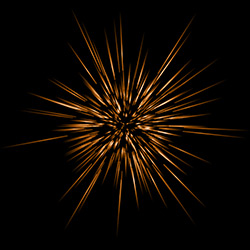
Lunghezza casuale = 10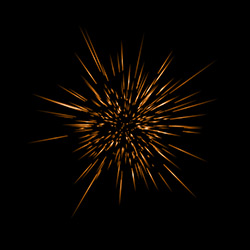
Lunghezza casuale = 100 -
Estensione alone (1-100). Maggiore è il valore del parametro più ampia è l'area dell'alone attorno all'elemento.
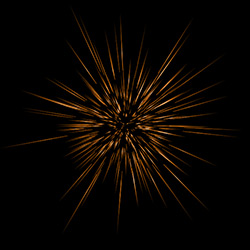
Estensione alone = 30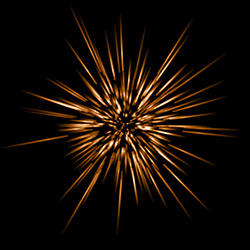
Estensione alone = 80 - Effetti casuali (0-999). Questo è il numero di partenza per il generatore di numeri casuali che definisce la distribuzione dei corpuscoli. Esso può essere un qualsiasi numero compreso tra 0 e 999. Ogni numero corrisponde ad una particolare distribuzione delle particelle.
LightShop v. 8.1 - 10-giorni di prova gratuita
