Colonos Canadenses
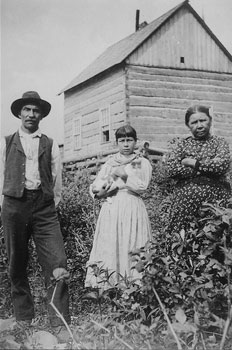
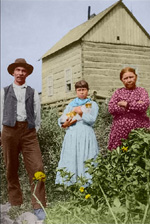
A foto para este exemplo foi tirada do arquivo de fotos sobre colonos Canadenses. Imaginaremos a vida dos colonos “a cores”.
-
Passo 1. Abra a imagem.
-
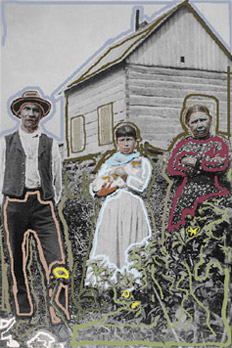
Passo 2. No modo Clássico selecione cores para cada objeto na foto. Escolheremos as cores da paleta Cor (Color), da Biblioteca de cores e traçamos um contorno dentro dos objetos seguindo seus limites.
Para a grama fixaremos várias cores e não apenas contorná-los, mas também fazer linhas dentro deles. Veremos algo assim:
-
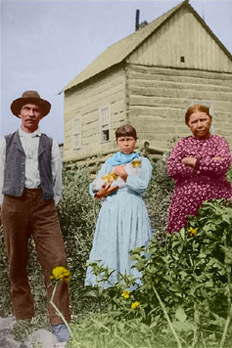
Passo 3. Pressione o botão
 para começar o processo de colorização. O resultado da colorização será mostrado na aba Depois.
Coloriage AI v. 15.7 - Teste gratuito 10 dias
