An Ominous Way: Strengthening the Dramatic Effect
The author of the example is Tammy Russotto.
Eastern State Penitentiary was built on what was the outskirts of Philadelphia and opened on October 29, 1829 as part of a controversial movement to change the behavior of inmates through "confinement in solitude with labor." One of the most famous inmates was Al Capone, who served time at Eastern State from 1929-1930. Unlike the other inmates Al Capone had a lavishly decorated cell with all the comforts of home. Eastern State Penitentiary quickly became one of the most expensive and most copied buildings in the young United States. ESP was used as a penitentiary until it closed in 1970. In 1994 it opened for tours and is a major tourist attraction. It is believed that Eastern State is haunted by the spirits of those who died there. It has been investigated by Ghost Hunters and Most Haunted.
Tammy Russotto visited ESP. The atmosphere inspired dark thoughts, and imagining herself a prisoner from those times, she wrote: "Imagine walking down this endless corridor knowing once you step into your cell that's where you will stay for 23 hours a day. No electricity, no one to talk to, all alone in a dark cell until you're released, put to death, or die!"
Under the impressions from this scene, Tammy decided to make a tutorial with AKVIS Enhancer and send it to us.
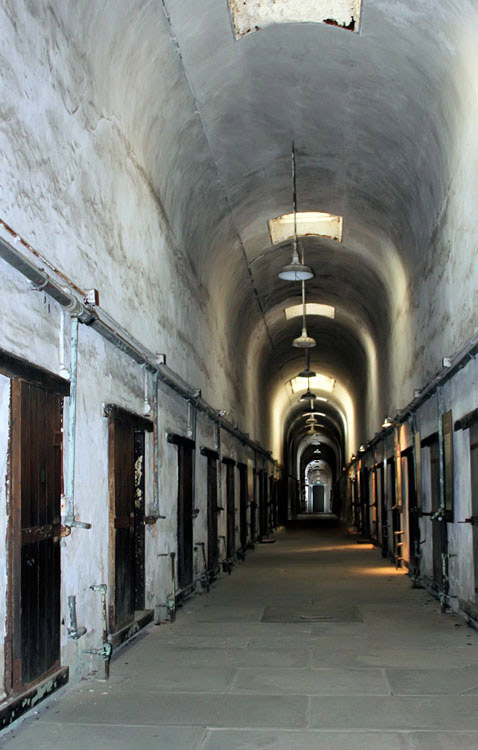 |
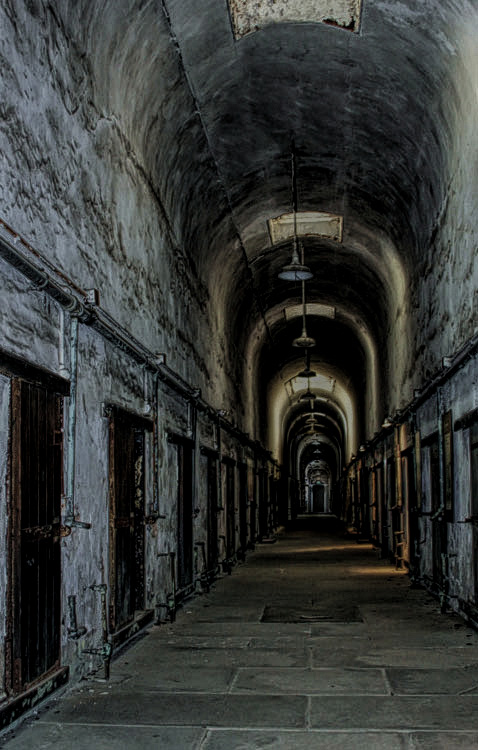 |
| Original Image | Result |
- Step 1. Start AKVIS Enhancer.
-
Step 2. Open the photo of the prison’s tunnel with
 and choose Improve Detail mode. The image will be automatically processed with default settings.
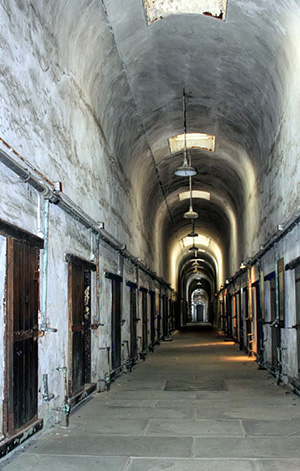
-
Step 3. Change the value of the parameters in the Settings Panel. The author wanted to show tragedy of the picture imagined during the excursion. She strengthened the shadows and raised the contrast to make the image more gloomy.
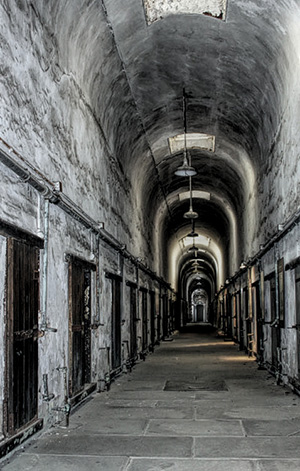
-
Step 4. Switch to the Post Processing tab and adjust the parameters for an even stronger dramatic effect.
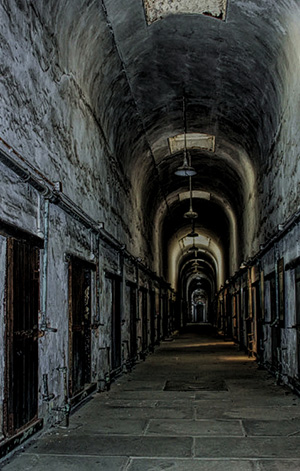
Now the image portrays the feelings of the inmates that time.
-
Step 5. Save the image with
 and close the program.
Enhancer v. 17.8 - 10日間の評価期間
