Backlight Photo
あいにく, このページは英語にだけ使用可能です。
Everyone who goes on a trip takes along his camera. However, some photos may become insipid and colorless due to wrong exposure. For example, if you shoot against the sun, photos usually become faded, the sky is almost white and the landscape is lifeless. AKVIS Enhancer can help you to correct such photos.
 |
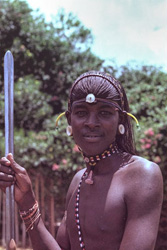 |
| Before | After |
-
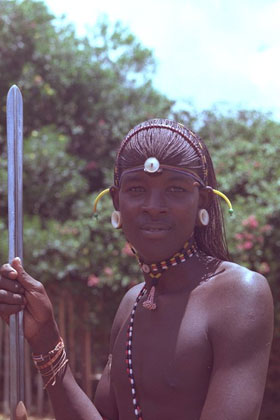
Step 1. If you use AKVIS Enhancer in its standalone edition, run the program and open the backlight photo.
If you use the plugin version of Enhancer, open the photo in your photo editor and call the plugin from the Filter menu.
-
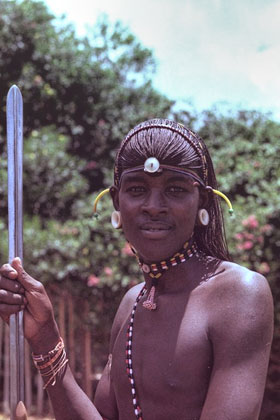
Step 2. You will see the AKVIS Enhancer window. Once Improve Detail mode is selected the photo will be automatically processed with the last used parameter values.
Adjust the mode's settings to increase the image contrast and improve detail.
-
Step 3. Now you can save the image
 .
.
If you work with the plugin version, apply the changes by pressing the button
 . Then save the image in your photo editor.
Enhancer v. 17.8 - 10日間の評価期間
