A group photo with small details
You can apply AKVIS Coloriage AI to colorize any photo, even the most complicated one. But you must be patient with the "difficult cases", as you have to assign a color to every detail of the photo.
Good news: when working with AKVIS Coloriage AI you won't need to select every detail accurately, to manipulate layers and their options; all you need is to draw an outline within every object with the chosen color.
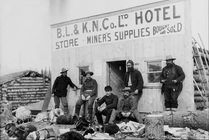
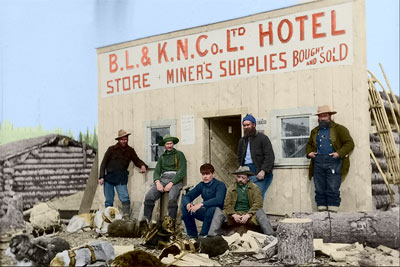
We used AKVIS Coloriage AI to colorize a group photo.
 |
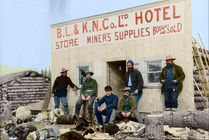 |
The photo is difficult to colorize because:
- you have to assign a color for every piece of clothing and for every open skin area;
- you have to assign a color for every letter of the sign and draw lines between them with the color of the sign;
- apart from people there are dogs in the photo; you have to indicate a color for their hair (even several colors for some dogs) and a color for the harness;
- also, there are other objects that should be colorized: the ground and the sky, a trunk of a fallen tree, a building, a wooden house in the background.
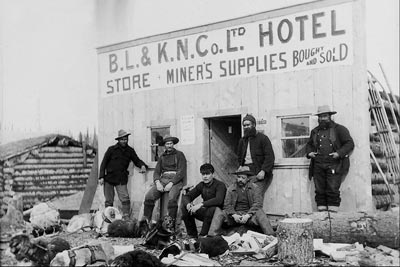
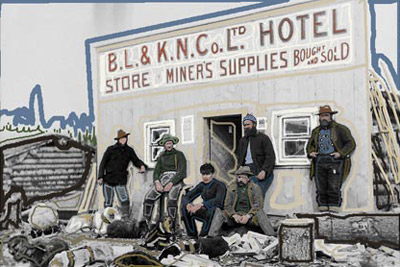
When you have chosen colors for all objects, press the button  and admire the result of your work in the After tab.
Press the button  to apply the result of the colorization.
Coloriage AI v. 15.7 - 10日間の評価期間
