Sensibilità ISO e rumore digitale
Il problema del rumore digitale è attuale. Perfino le macchine fotografiche professionali producono del rumore se usano impostazione ISO elevate. Non menzioniamo le fotocamere automatiche del livello medio che lavorano soddisfacentemente solo se si seleziona 50-100 ISO.
Ecco un frammento dell'immagine nella dimensione reale:
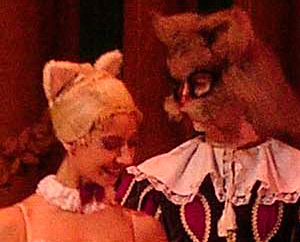
Frammento dell'immagine originale
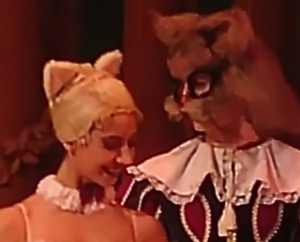
Frammento del risultato finale
La seguente foto è stata scattata in modalità automatica. Alcune fotografie della stessa serie sono state scattate a ISO 400, alcune a 261 o 236, ma il risultato non cambia - tutte hanno del rumore.
La complicazione è che la foto è stata poi salvata in formato JPEG. Questa compressione è responsabile degli "artefatti JPEG".
- Passaggio 1. Aprire l'immagine nel programma AKVIS Noise Buster AI. È possibile iniziare con le impostazioni predefinite.
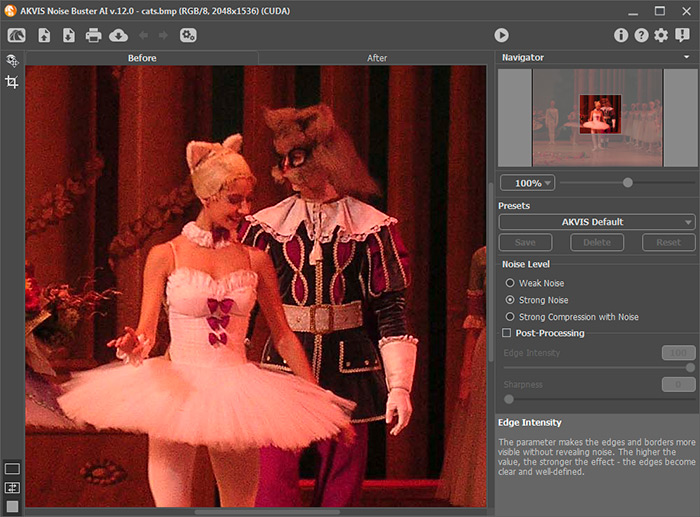
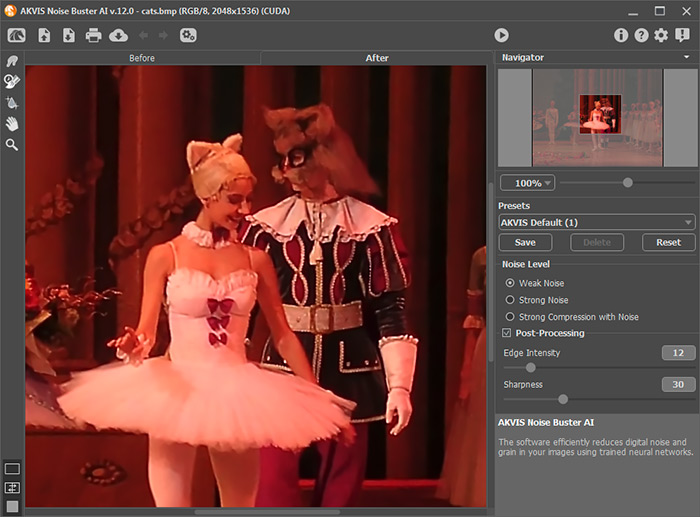
- Passaggio 2. Regolare i parametri di riduzione del rumore. Abbiamo applicato i valori come mostrato di seguito. Comunque, è molto personale, infatti si possono variare le impostazioni a piacimento.
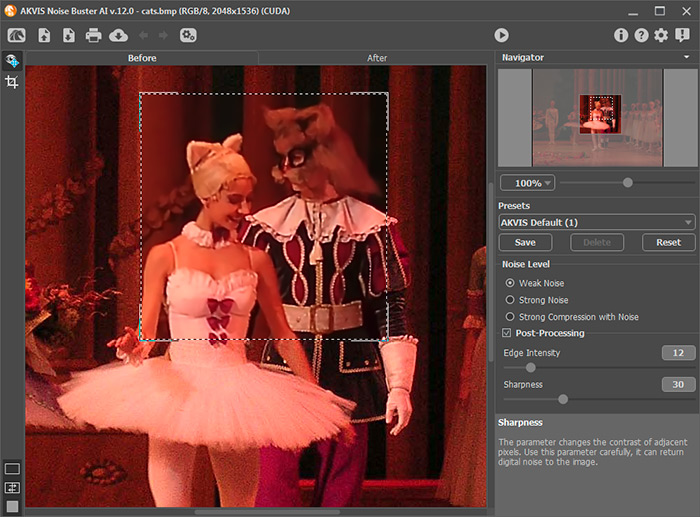
- Passaggio 3. Iniziare l'elaborazione della foto cliccando su
 .
.
- Passaggio 4. Salvare l'immagine
 .
.
Noise Buster AI v. 13.2 - 10-giorni di prova gratuita
