Eliminazione del rumore cromatico
La ripresa con una buona macchina fotografica non garantisce la soluzione del problema del rumore digitale. In assenza/deficit di luce il rumore di colore (cromatico) appare sulle foto. Il rumore cromatico è responsabile dei blocchi colorati - rosso, verde, blu.
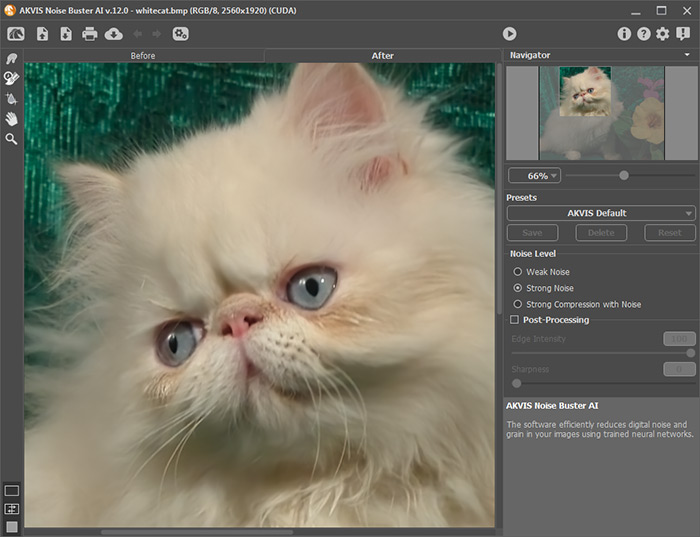
Confrontare il frammento, prima e dopo l'eliminazione del rumore con l'aiuto di AKVIS Noise Buster AI.
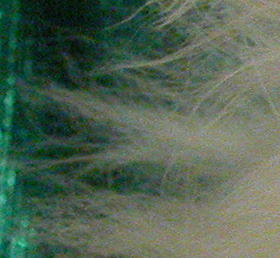
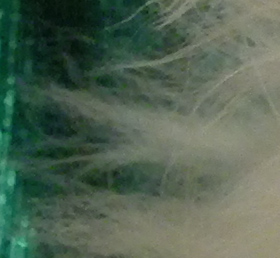
Questa fotografia è un esempio del rumore cromatico.

Se si aumenta la scala dell'immagine il rumore sara' visibile. Vedete le macchie di colore sui peli del gatto?
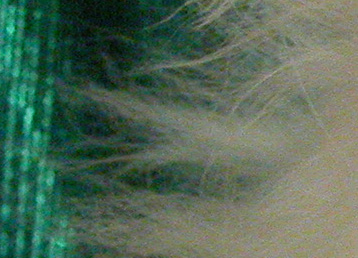
- Passaggio 1. Aprire la fotografia nel programma AKVIS Noise Buster AI.
Provare le impostazione predefinite. Il risultato viene mostrato nell'area di anteprima nella scheda Prima. Per valutare il risultato trascinare l'area di anteprima per vedere qualsiasi altra parte della foto elaborata o semplicemente disegnare nuovamente l'area di anteprima su qualsiasi parte dell'immagine.
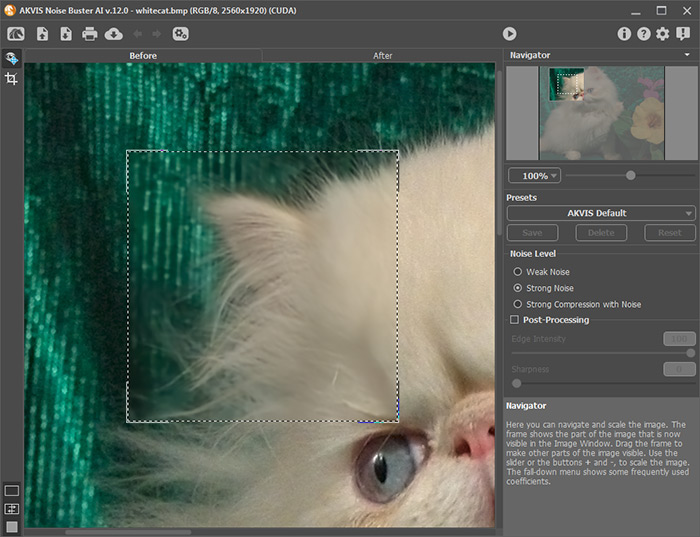
- Passaggio 2. Il rumore cromatico è stato eliminato con le impostazione predefinite!
Per elaborare l'intera immagine, premere il pulsante
 .
.
- Passaggio 3. Per salvare il risultato premere il pulsante
 .
.
Noise Buster AI v. 13.2 - 10-giorni di prova gratuita
