Riduzione del rumore da una foto di studio
Il rumore digitale appare perfino sulle immagini scattate con una macchina fotografica professionale, ad esempio se si usa un ISO elevato. AKVIS Noise Buster AI riduce il rumore di luminanza e cromatico sulle foto.
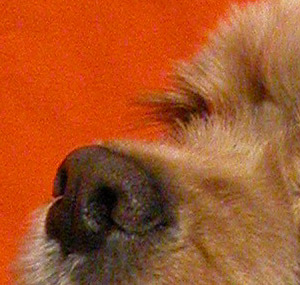
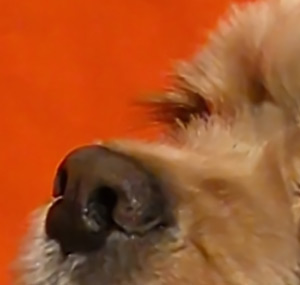
La seguente foto è stata scattata con una fotocamera digitale NIKON E5700 a 400 ISO.
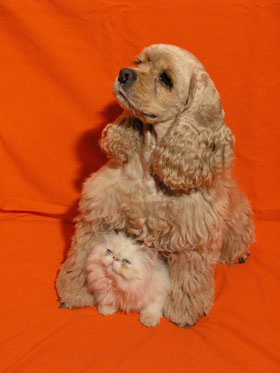
Riducendo l’immagine, il rumore non è visibile, ma quando il fattore di scala è pari o superiore al 100%, il disturbo diventa evidente: infatti, si vede bene il rumore di luminanza sullo sfondo rosso e il rumore cromatico (macchie rosse e violette) sul pelo dell’animale.
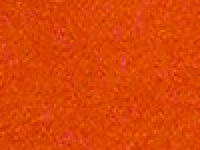
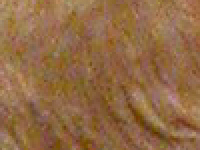
Il disturbo è probabilmente dovuto alle impostazioni di elevata sensibilità.
Per ridurre il rumore su questa foto usiamo AKVIS Noise Buster AI (applicazione standalone).
- Passaggio 1. Aprire l’immagine con il programma AKVIS Noise Buster AI premendo
 .
.
Una volta avviato, il programma elabora l’immagine in base alle impostazioni predefinite. Il risultato viene visualizzato nell’area di anteprima.
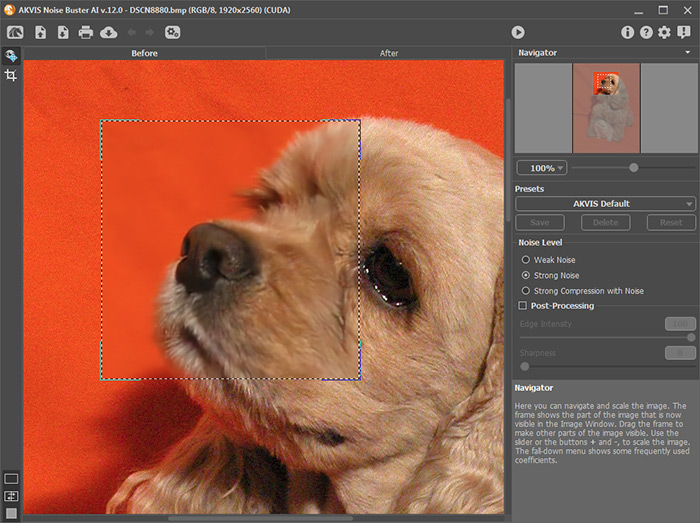
- Passaggio 2. Per elaborare questa immagine impostare i parametri come illustrato di seguito:
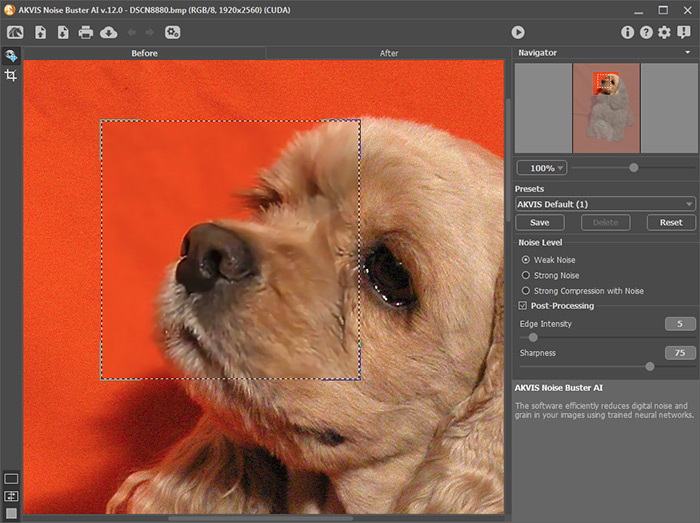
- Passaggio 3. Il risultato verrà visualizzato nell’area di anteprima. Per applicare le impostazioni all’intera immagine premere sul pulsante
 .
.
Se si è soddisfatti dal risultato, premere su
 per salvare l'immagine.
Questo frammento d’immagine mostra il risultato, prima e dopo l’applicazione di AKVIS Noise Buster AI.
Noise Buster AI v. 13.2 - 10-giorni di prova gratuita
