History Brush
The History Brush  returns an area of an image to its original condition, where another tool had been applied. The difference between the tools Eraser and History Brush is the latter removes all effects, but does not affect the background.To quickly access this tool and switch between the Eraser and History Brush tools press E.
The tool's parameters will be shown in a floating box over an image (by right-clicking the mouse) and also in the Settings Panel.
To change the value of a parameter, enter a numerical value in the parameter's field and press Enter (Mac: Return) or adjust the slider.
- Size (1-1000). The maximum width of a line made by the brush (in pixels).
-
Hardness (0-100). The degree of blurriness of the brush's edges. As the value of this parameter is increased the brush's edges become harder. At values near 100% the border between the brush's edges and the background is very distinct; at lower values the transition between these areas is smoother.
Restore the Painted Over Branches With the History Brush
(Size = 100, Strength = 100%)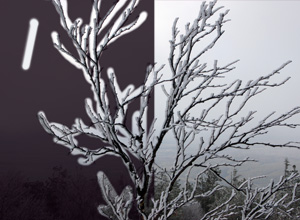
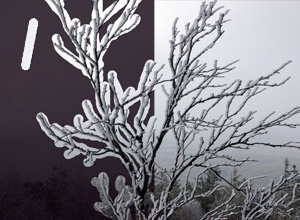
Hardness = 20% Hardness = 100% -
Strength (1-100). The degree of restoration to the original state. At lower values there will be less restoration and more blending with the effect; at values near 100% the original condition will be restored more completely.
"Cleaning" Dust From a Mirror 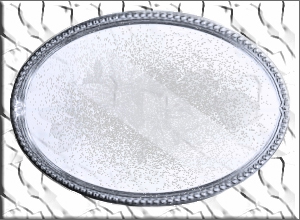
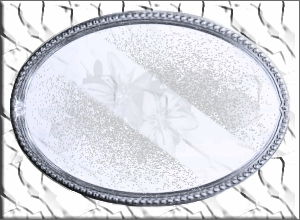
Strength = 50% Strength = 100%