Baloons
あいにく, このページは英語にだけ使用可能です。
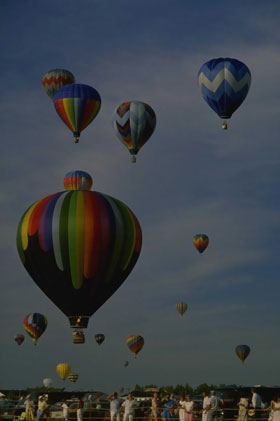
- Step 1. Open the image with baloons in your photo editor.
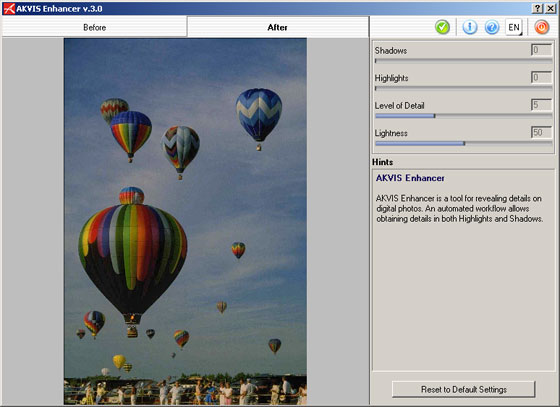
- Step 2. Call AKVIS Enhancer plugin. To this effect select the command Filter - AKVIS - Enhancer in Adobe Photoshop; the menu item Effects - Plugins- AKVIS - Enhancer if you work with Jasc Paint Shop Pro; or Effects - AKVIS - Enhancer if you use Corel Photo-Paint.
You will see the following AKVIS Enhancer window with the photo processed at the default parameter values.
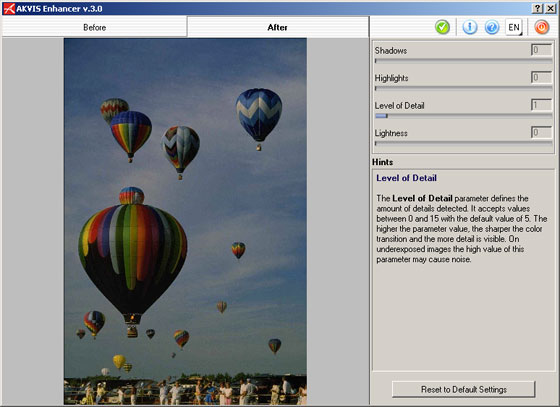
- Step 3. As the original photo was of poor quality, image processing at default values revealed grains in the sky. To get rid of this drawback, we reduce the value of Level of Detail from 5 to 1.
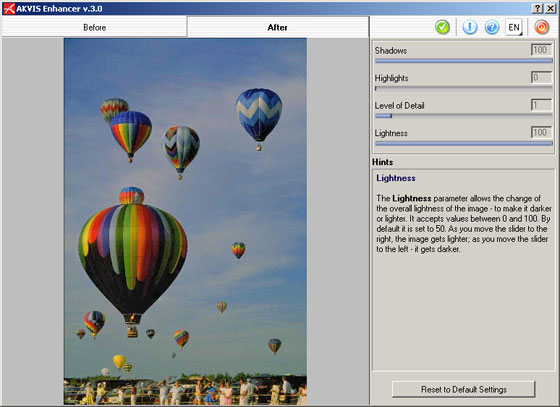
- Step 4. Set maximum values for the parameters Shadows and Lightness.
- Step 5. Press the button
 in the Toolbar to apply the result of the photo correction and close the plugin window.
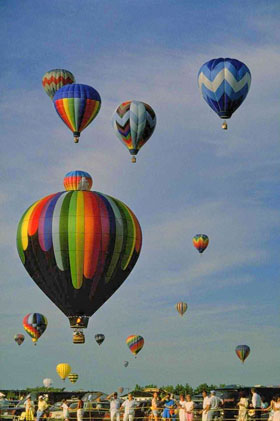
Before After Enhancer v. 17.8 - 10日間の評価期間

- Step 4. Set maximum values for the parameters Shadows and Lightness.