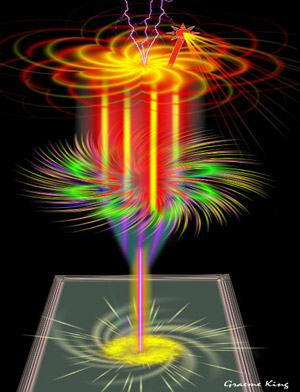
Fantastic cocktail
The example was made in the old version of AKVIS LightShop.
Read how to use the current version of the program.
The author of this example is Graeme King.
This example has been created in Corel Paint Shop Pro XI, but you can work any other photo editor compatible with AKVIS plugins.
Or you can use the standalone application AKVIS LightShop.
Graeme King creates his impressive pictures using only AKVIS LightShop. Here is one of his works:
 "AKVIS LightShop: fantastic cocktail")
|
| Click to open in a larger window. |
Follow the steps below to learn how it works.
- Step 1. Open your photo editor and create a new document.
Add a new layer. We should color the background image into black to make our image visible.
- Step 2. Let's make the glass base.
Firstly create a new layer and call AKVIS LightShop. Choose Sample 26 and press the button
 .
.
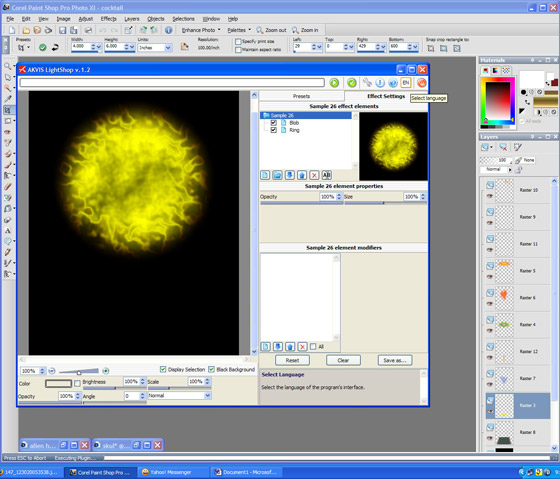
Press the button
 to apply the result and close the plugin window.
- Step 3. Call AKVIS LightShop again and choose another preset (Sample 12) Change the settings as you like and press the button .
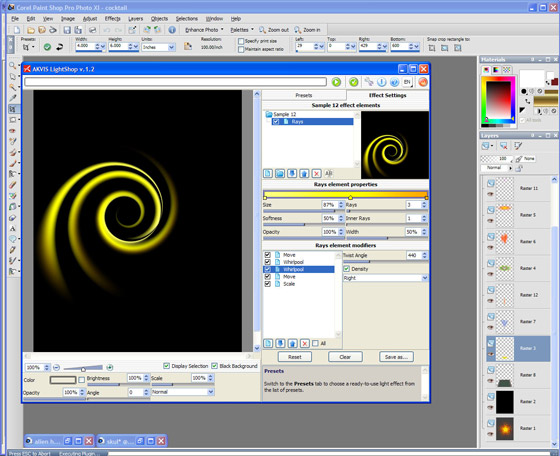
Apply the result by pressing the button
.
- Step 4. Change the proportions and the position of the pasted base.
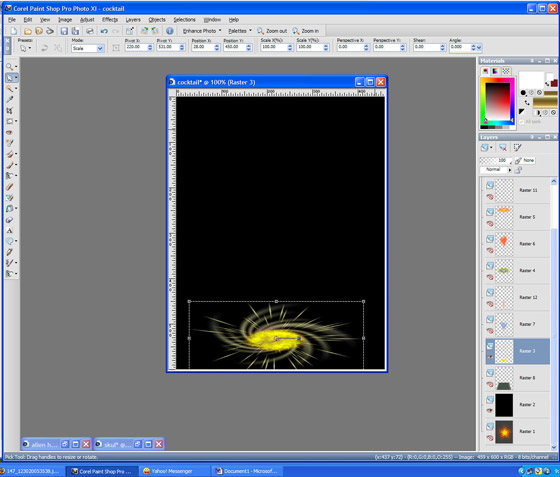
- Step 5. Now we make a stem. Call AKVIS LighShop again and choose Sample 45. Change the settings and press the button .
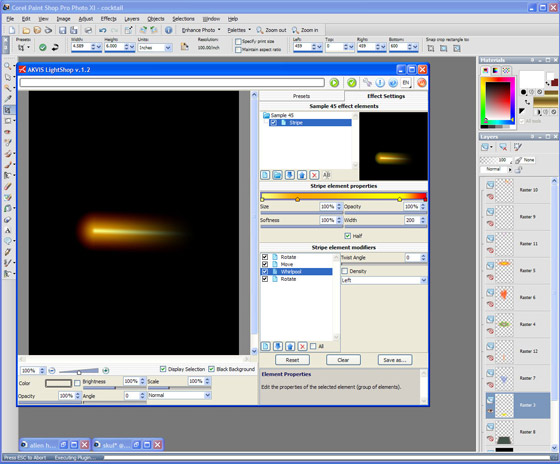
Change the settings and apply the result by pressing the button
.
- Step 6. Now we make a tray and a glass.
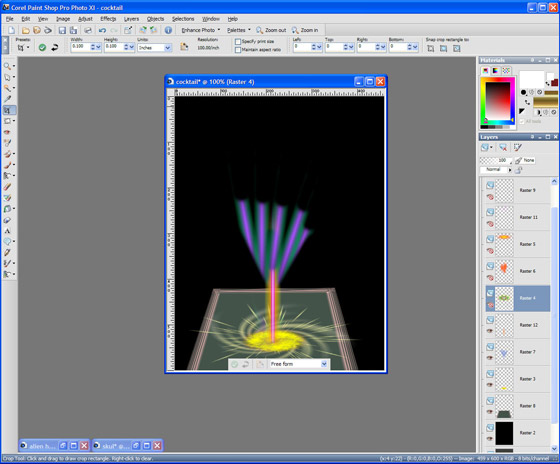
- Step 7. Decorate the glass.
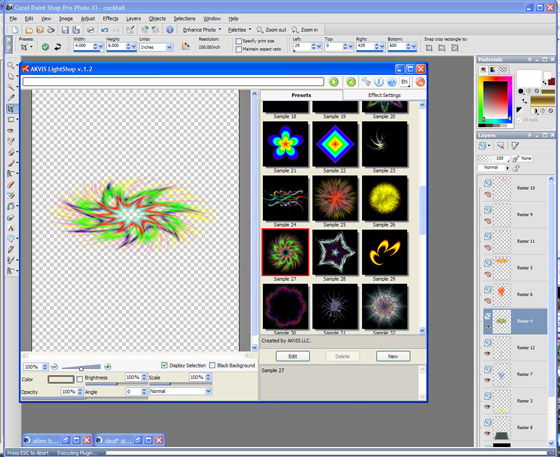
Decorate the glass body.
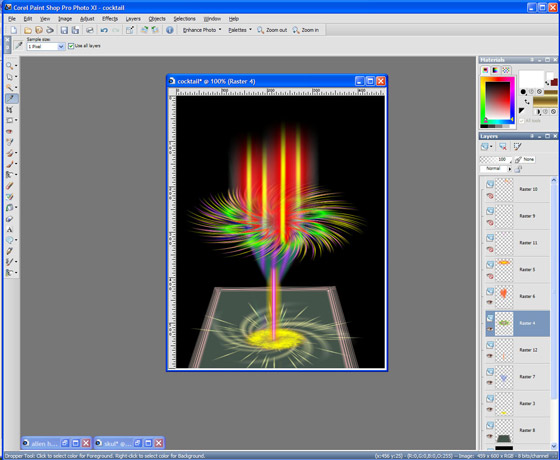
- Step 8. Add some fruit and a straw
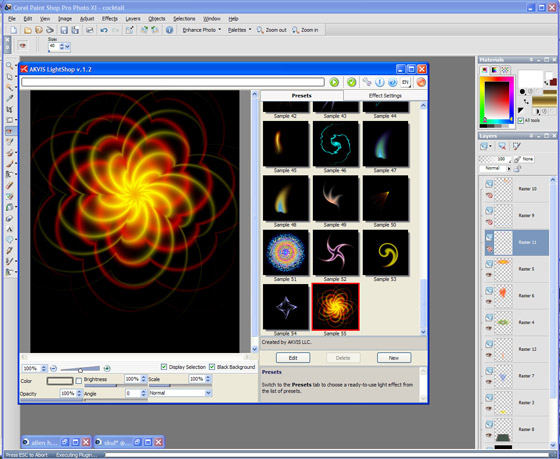
and our cocktail is ready:
LightShop v. 8.1 - Prueba gratuita de 10 días
