Drawings in the Margins
AKVIS Draw opens up huge opportunities for creativity. Even if you don't have any drawing skills, with this software you can create a sketch that has a real hand drawn look. Artists and poets often draw such light airy sketches in the margins of their albums and diaries. Now you can easily fill your website or blog with beautiful pictures that will complement your stories or poems.
We will show you how to create artistic works to illustrate a fragment from the poem "Stanzas to Augusta" by Lord Byron.
-
In the desert a fountain is springing,
In the wide waste thee still is a tree,
And a bird in the solitude singing,
Which speaks to my spirit of thee.
Note that you need an image editor to combine the pictures into a collage. Or you can place the drawings directly to a web page.
- Step 1. Create a new image in the photo editor, for example, a white image of 800x1200 pixels.
- Step 2. With the Text
 tool inscribe the lines of the poem.
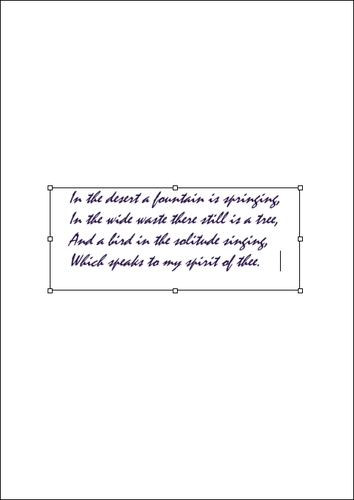
Adding Text - Step 3. Open an image with a tree.
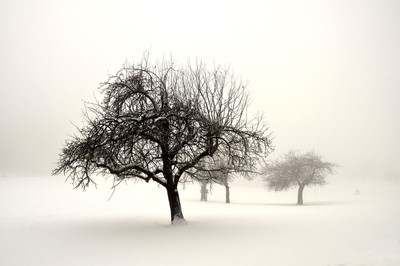
Photo of a Tree - Step 4. Call the AKVIS Draw plugin from the menu: Effects -> AKVIS -> Draw. The program makes a hand drawn pencil sketch from your photo.
Adjust the effect parameters. You can remove odd strokes with the Eraser
 .
.
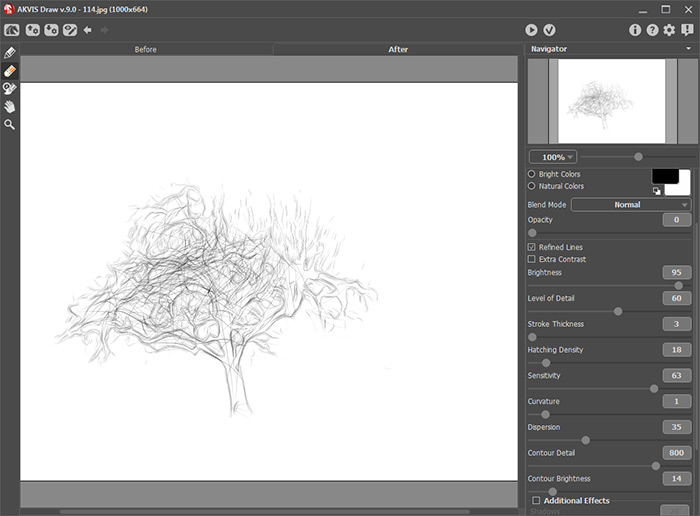
Pencil Drawing in AKVIS DrawApply the result
 and return to the image editor.
- Step 5. Now, we need to remove the background. The easiest way is to use the Magic Wand - click on the white area, then press the Delete-key.
Copy the tree to the page with the poem.
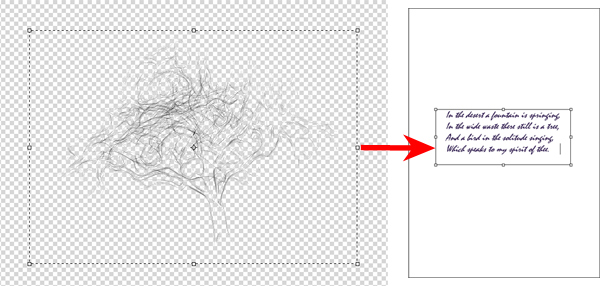
Drawing of a Tree - Step 6. In the same way, add a bird to the picture:
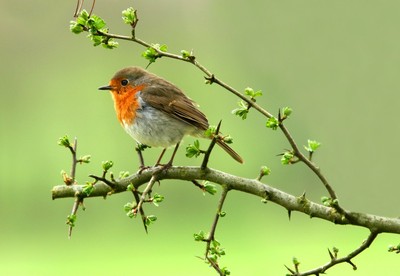
Original Photo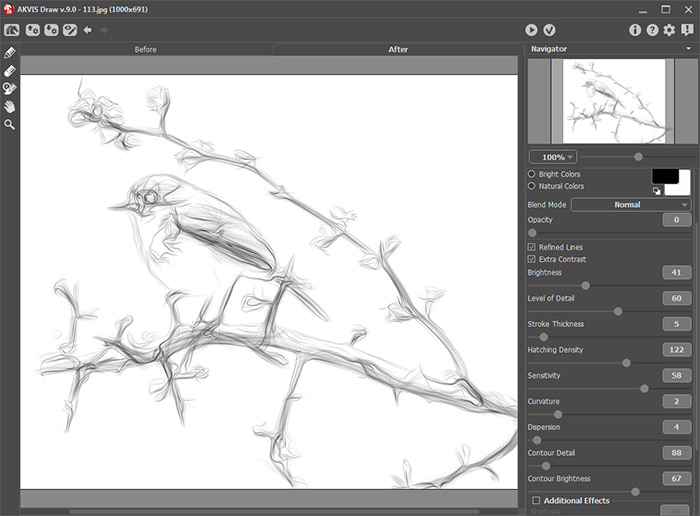
Drawing of a Birdand a female silhouette:

Original Photo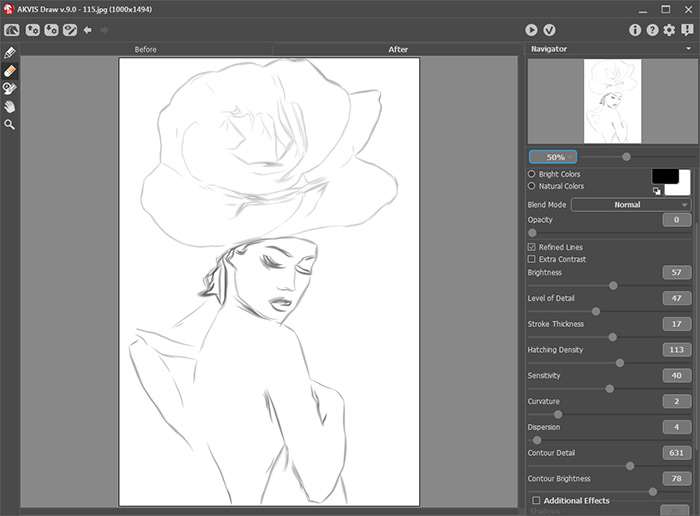
Sketch Portrait of a LadyNote: You can adjust a transparency for each image; all of them are located on different layers.
- Step 7. Save the result.
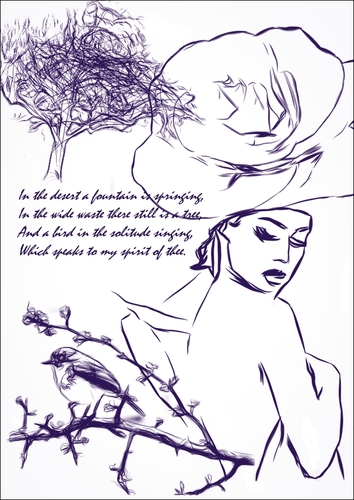
Poem with Sketches
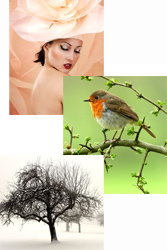
Original Photos
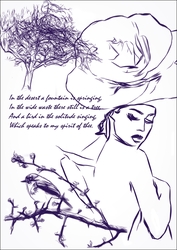
Result
Draw v. 10.1 - Free 10-day Trial
