Graphic software for Windows Mac graphic software
AKVIS ニュースの購読を申し込むには, 電子メールアドレスを入力してください。
 
  
  プログラム     ダウンロード     サイバーショップ     チュートリアル     サポート     会社情報
en  fr  de  es  pt  it  jp  ru    
 

チュートリアル: AKVIS MultiBrush

Portrait Editing


あいにく, このページは英語にだけ使用可能です。日本語のバージョンは遠からず出ります。
Attention! You can get a free licence for an AKVIS program by translating texts from English to Japanese.
Please contact us at team@akvis.com.

AKVIS MultiBrush helps you to retouch photos and enhance portraits. It removes unwanted objects from digital pictures.

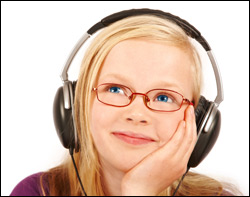
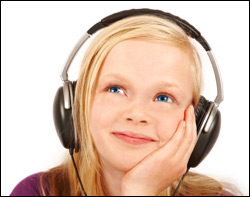
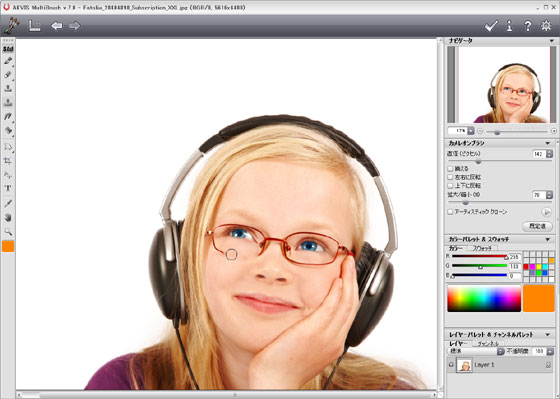
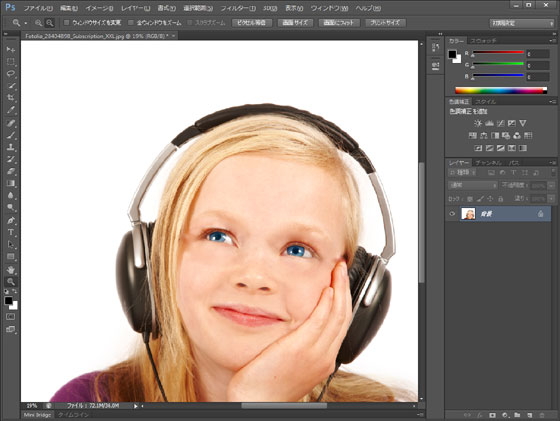
We will try to see how this girl looks without the eye glasses.

    Original image Result
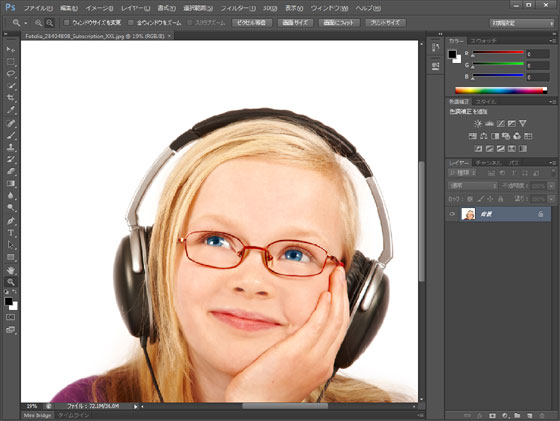
  • Step 1. Open the photo in your photo editor. You can also open the photo in the standalone version of Multibrush and achieve the same results as in this example.
    A girl wearing eye glasses
  • Step 2. Select the plugin AKVIS MultiBrush. In Adobe Photoshop, you should select the menu item Filter -> AKVIS -> MultiBrush, in Corel (Jasc) Paint Shop Pro - the menu item Effects -> Plugins -> AKVIS -> MultiBrush; and in Corel PHOTO-PAINT - the menu item Effects -> AKVIS -> MultiBrush.
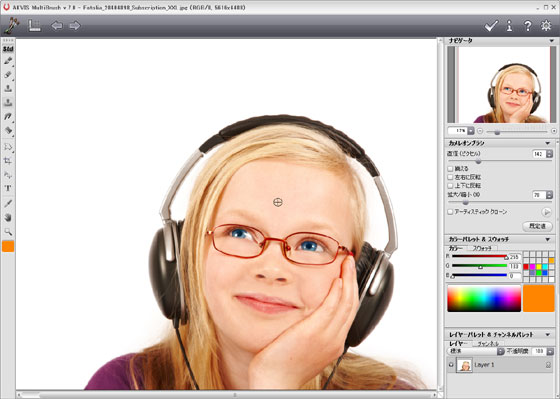
  • Step 3. Select the Chameleon Brush tool (in version 1-3 it was the Stamp tool) from the Toolbar pressing the button and set a small size of the brush.
  • Step 4. Deactivate the check box Aligned so that every time you apply the brush the pattern is taken from one and the same starting point.
  • Step 5. Press the Alt-key (Option in Macintosh) and use the left mouse button to sample the girl's forehead, it will be the source area.
    Set the source area
  • Step 6. Apply the brush to the frame of the eye glasses with strokes.
    Removing eye glasses
  • Step 7. Press the button in the Control Panel to apply the result of the retouching and close the plugin window.
    Girl without glasses

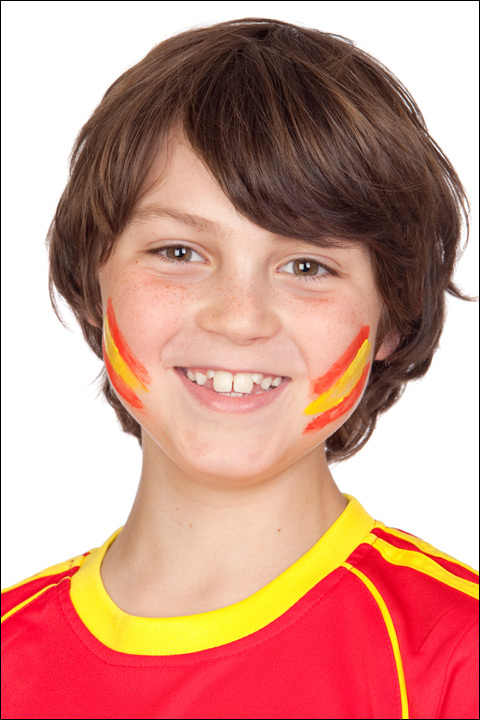
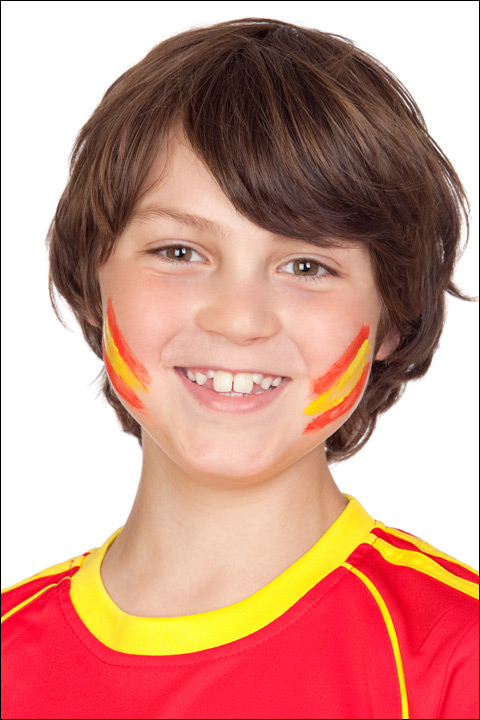
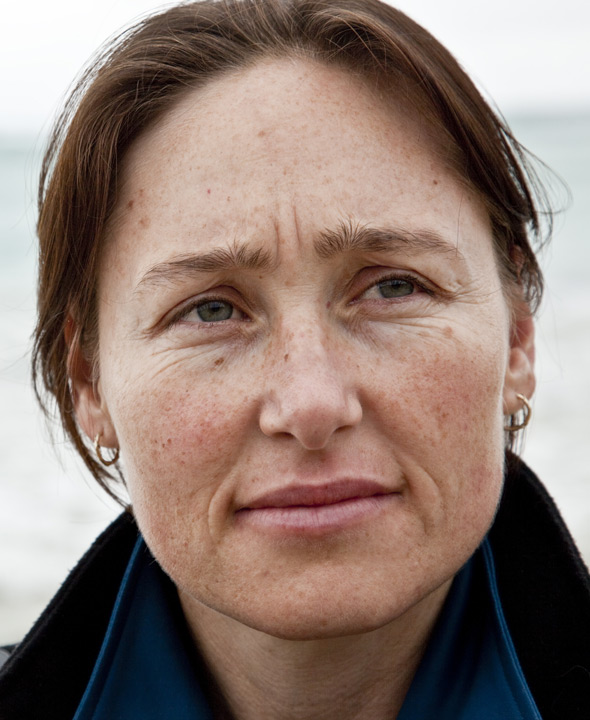
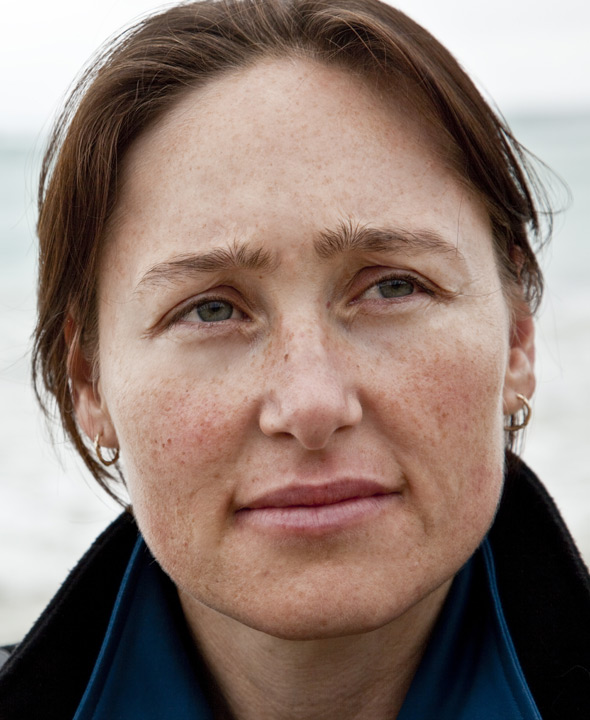
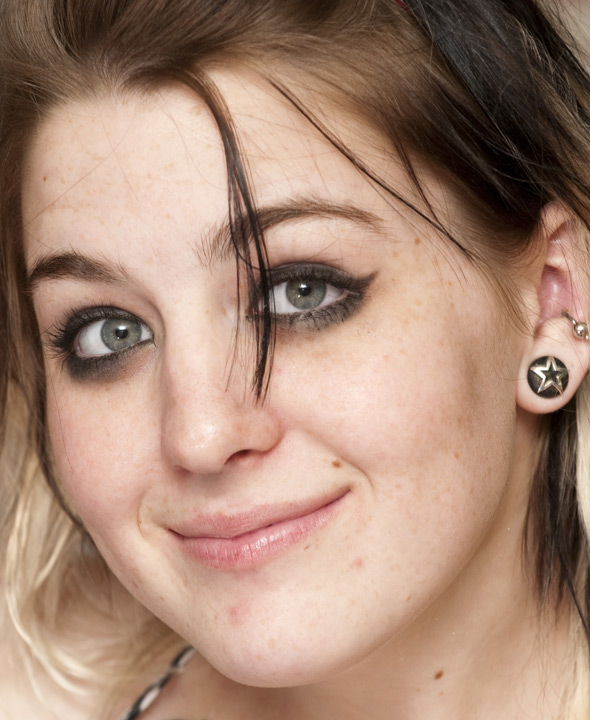
You can also use this method to remove small defects, such as freckles, scars, birthmarks and even wrinkles.

    Boy with freckles ...and without freckles

    Girl with scars ...and without scars

    Wrinkled face No wrinkles

 
操作方法 操作方法
   — ワークスペース — ワークスペース
   — 操作方法 — 操作方法
Palettes Palettes
Brushes Brushes
Tools Tools
操作例 操作例


   プライバシー | サイトマップ | Web サイトの検索 | English  |Français  |Deutsch  |Español  |Português  |Italiano  | 日本語  |Pусский  | © 2004-2009, AKVIS Software Inc. All rights reserved.