Ragazza da copertina
AKVIS Noise Buster AI è utile non solo per ritoccare le fotografie con il rumore digitale, ma anche per migliorare la qualità delle istantanee. E’ possibile applicarlo ai ritratti per perfezionare e levigare la pelle di una modella valorizzandola maggiormente.
Generalmente i professionisti usano diversi filtri speciali per migliorare le immagini e nascondere piccole rughe o imperfezioni della pelle.
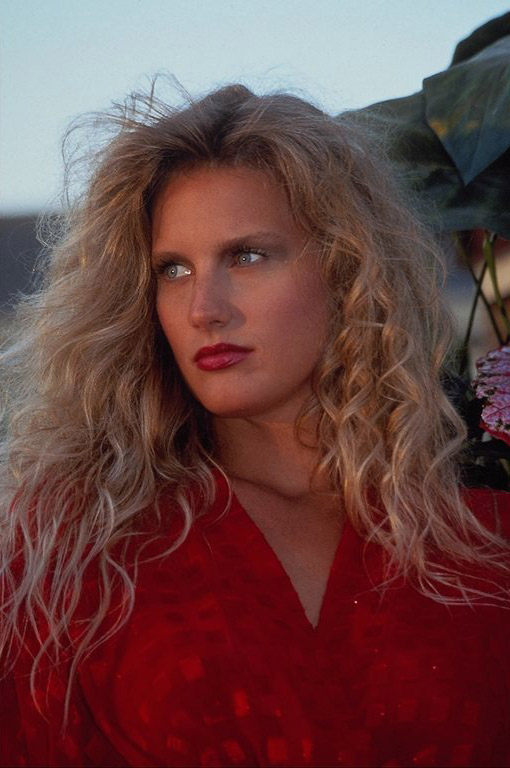
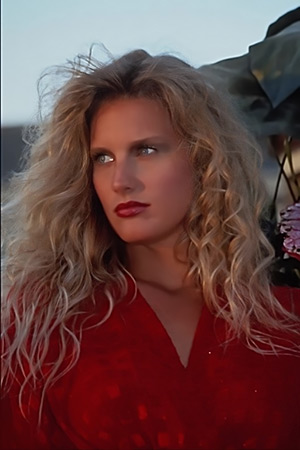
Foto originale
 Risultato finale
A prima vista la foto appare abbastanza buona. Tuttavia, se si aumentano le sue dimensioni, si osservano alcune irregolarità e piccoli difetti della pelle.
AKVIS Noise Buster AI ci aiuterà a levigare la pelle creando così un’immagine della "ragazza da copertina" di grande effetto.
Il software è disponibile come programma standalone (autonomo) e come plugin. Qui useremo la versione standalone.
- Passaggio 1. Per prima cosa aprire l'immagine nel programma Noise Buster AI facendo clic su
 .
.
Una volta avviato, elaborerà l’immagine usando le impostazioni predefinite ed il risultato sarà visibile nell’area di anteprima rapida nella scheda Prima.
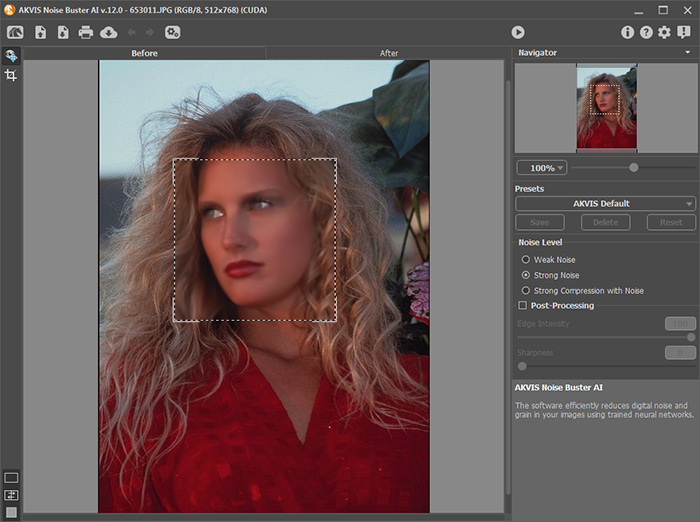
- Passaggio 2. Dopo l'elaborazione con le impostazioni predefinite, gli occhi della ragazza appaiono "nebbiosi" e i suoi capelli diventano sfocati. Regola i parametri per ridurre al minimo la sfocatura.
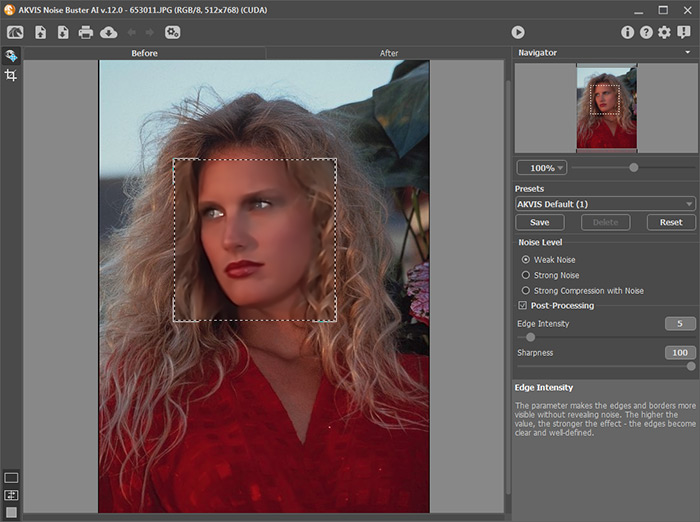
- Passaggio 3. Per applicare le impostazioni all’intera immagine premere su
 .
.
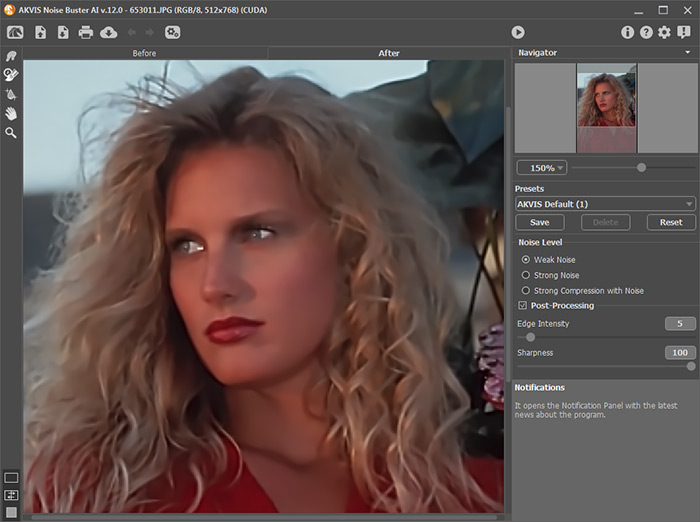
Suggerimento: Se necessario, è possibile ripristinare alcuni dettagli (occhi, capelli) utilizzando il Pennello storia
 . Regolare la forza dell'effetto dello strumento ed elaborare le aree.
- Passaggio 4. Infine cliccare su
 per salvare il risultato.
Se si osserva attentamente, la pelle della ragazza è liscia e perfetta, un ritratto ideale per la copertina di una rivista!
Noise Buster AI v. 13.2 - 10-giorni di prova gratuita
