Sfilata di moda
Questo tutorial è stato realizzato da Héctor Calle E.
I modelli debbono cambiare abbigliamento ogni ora e sfoggiare tutti i nuovi vestiti per il pubblico. Con AKVIS Decorator possono prendersi una pausa: il programma applica le nuove texture e/o i colori dei vestiti in un batter d'occhio.
- Passaggio 1. Aprire l'immagine nel programma AKVIS Decorator.
Noi applicheremo una nuova texture sull’abbigliamento e sugli accessori della ragazza.
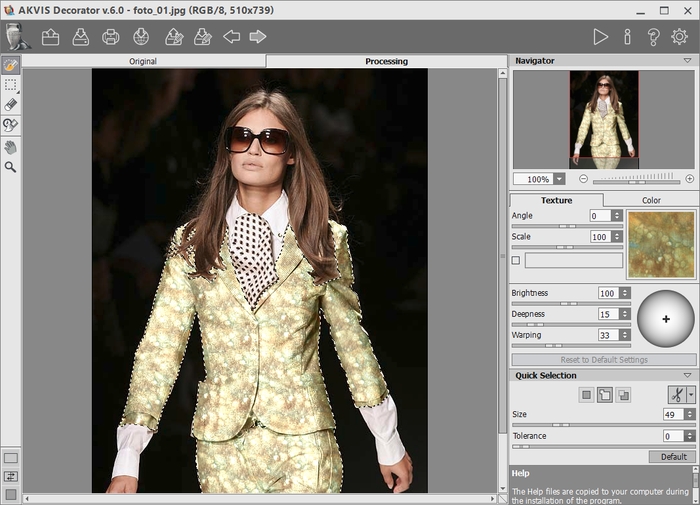
- Passaggio 2. Selezionare la giacca della ragazza con Selezione rapida
 .
.
- Passaggio 3. Selezionare un tessuto adeguato dalla Libreria texture. A questo scopo, aprire la Libreria texture facendo doppio clic, con il tasto sinistro del mouse, sulla casella quadrata, a destra, contenente una texture campione.
Aprire la cartella Tessuti e scegliere la texture. Premere il pulsante
 per applicare la texture a tutta la selezione. In pochi secondi apparirà l’immagine elaborata nella scheda Elaborazione.
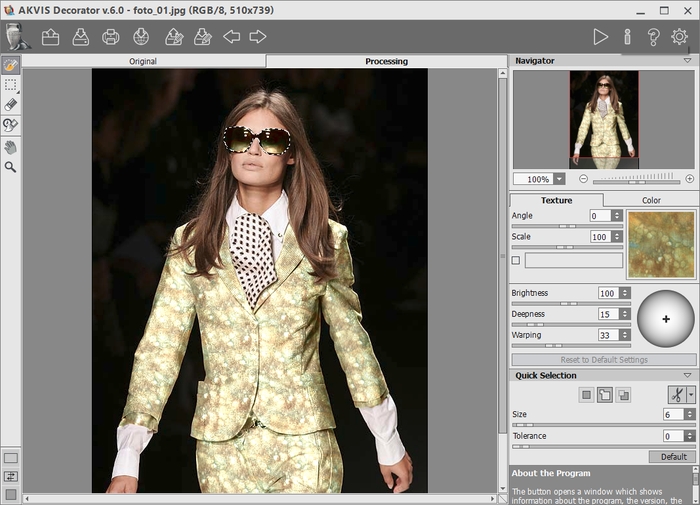
- Passaggio 4. Ricolorare gli accessori. Cambiamo colore agli occhiali da sole.
Selezionare gli occhiali.
Premere il pulsante
ed ecco apparire nella scheda Elaborazione l’immagine trasformata.
- Passaggio 5. Ripetere lo stesso procedimento con la cravatta. Aprire la Libreria Colore e scegliere il colore verde.
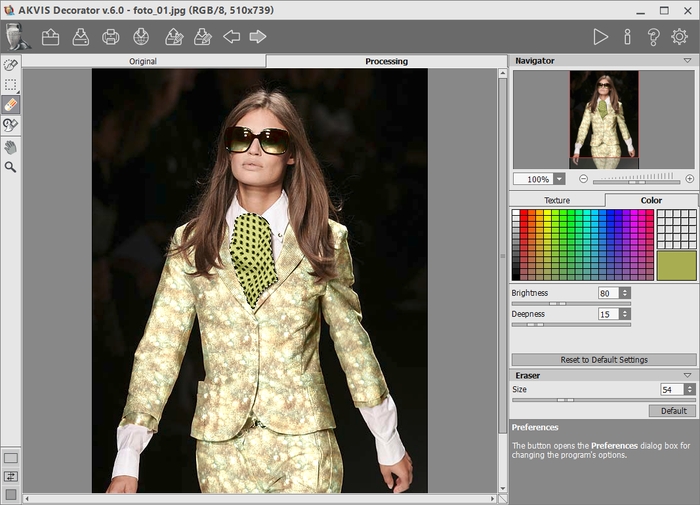
Ecco il risultato finale!
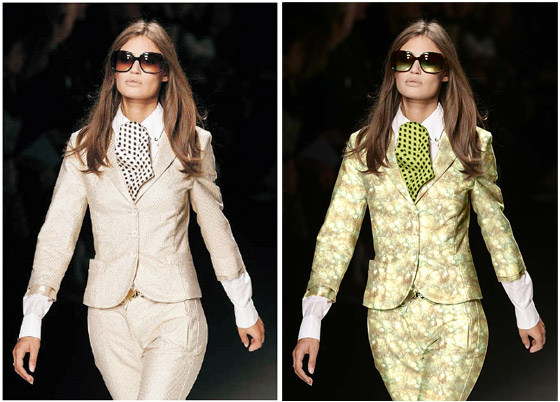
Non vi è alcun limite alla creatività!
Come si può vedere lavorare con AKVIS Decorator è molto facile!
 |
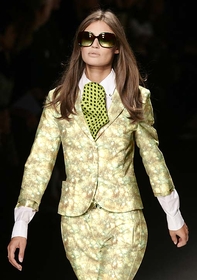 |
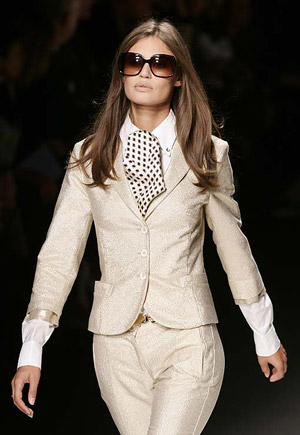
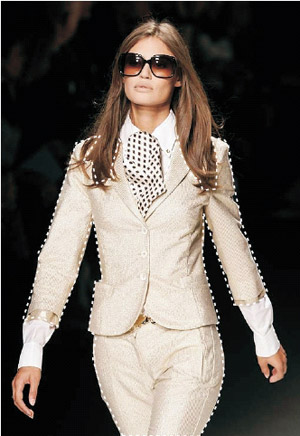
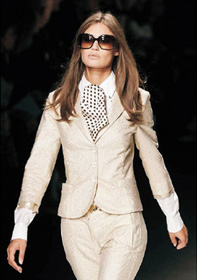
| Immagine originale | Risultato |
Decorator v. 9.1 - 10-giorni di prova gratuita
