Graphic software for Windows Mac graphic software
AKVIS ニュースの購読を申し込むには, 電子メールアドレスを入力してください。
 
  
  プログラム     ダウンロード     サイバーショップ     チュートリアル     サポート     会社情報
en  fr  de  es  pt  it  jp  ru    
 

チュートリアル: AKVIS MultiBrush

Sharpen


あいにく, このページは英語にだけ使用可能です。日本語のバージョンは遠からず出ります。
Attention! You can get a free licence for an AKVIS program by translating texts from English to Japanese.
Please contact us at team@akvis.com.

The Sharpen tool improves the clarity of an image by increasing the color contrast between pixels.


To adjust parameters go to the Settings Panel. To change a parameter enter a numerical value in the parameter's field and press Enter (Macintosh: Return) or adjust the slider.

  • Diameter (1-500). Sharpen tool size (in pixels).
  • Hardness (0-100). The width of the tool's outer edge, where sharpness is partially applied. At higher values the amount of sharpness applied to the inner area of the tool increases.
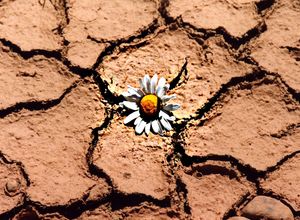
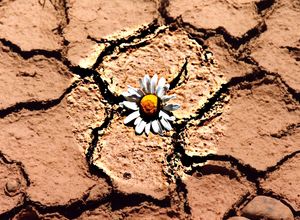
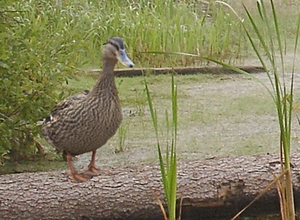
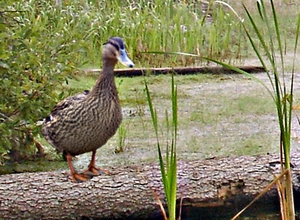
  • Soft Brush Edge Hard Brush Edge
    Hardness = 30% Hardness = 95%

  • Amount (1-250). The amount of contrast between pixels. At a value of 100% contrast is increased 2 times, at 200% by 4 times, etc.
  • Changing Sharpness By Adjusting Contrast
    Weak Contrast Strong Contrast
    Amount = 20% Amount = 210%

  • Radius (0.1-20.0). The degree of edge sharpness. This parameter specifies the number of neighboring pixels that are affected by the sharpness of a pixel. When the value is increased, the intensity of transition between colors increases.
  • Increasing Clarity by Adjusting the Amount of Edge Sharpness
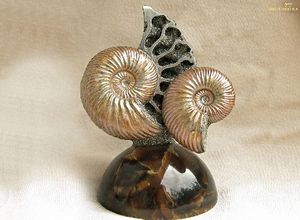
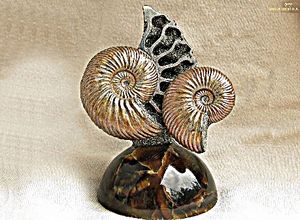
    Weak Contrast Strong Contrast
    Radius = 3.0 Radius = 18.0

To enhance sharpness along a straight line, select a starting point with the left mouse button, then, while keeping Shift pressed, move the cursor to the end point and release Shift. If Shift is not released, a new line will be drawn each time the mouse is clicked over the image.

 
操作方法 操作方法
   — ワークスペース — ワークスペース
   — 操作方法 — 操作方法
Palettes Palettes
Brushes Brushes
Tools Tools
操作例 操作例


   プライバシー | サイトマップ | Web サイトの検索 | English  |Français  |Deutsch  |Español  |Português  |Italiano  | 日本語  |Pусский  | © 2004-2009, AKVIS Software Inc. All rights reserved.