Elementos de los efectos de luz: Estrella radiante
Estrella radiante es una estrella con rayos distribuidos al azar que apuntan a los extremos.
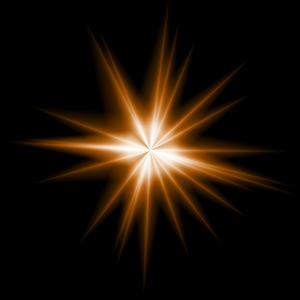
Puede transformar el efecto de la luz con la herramienta  . En el panel Propiedades del elemento puede cambiar Posición y tamaño y Color del efecto.
También puede ajustar los parámetros especiales de Estrella radiante:
-
Rayos (1-128). El parámetro define el número de rayos en el elemento.
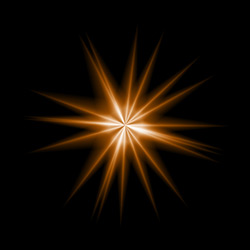
Rayos = 20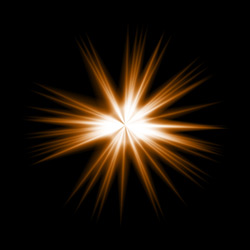
Rayos = 50 -
Longitud de rayo (10-200). El parámetro cambia la longitud máxima de las rayos. Las diferentes partículas pueden tener diferentes longitudes, pero no puede exceder el valor especificado.
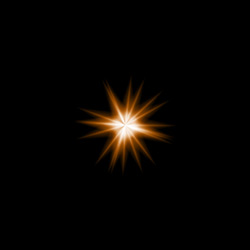
Longitud de rayo = 50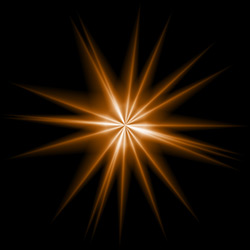
Longitud de rayo = 120 -
Largo aleatorio (0-100). Este parámetro especifica el rango de longitud de las rayos. En el valor mínimo la longitud de todas las rayos es el mismo (máximo). El aumento del parámetro aumenta el rango de longitud de las rayos en el elemento.
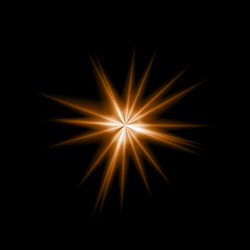
Largo aleatorio = 25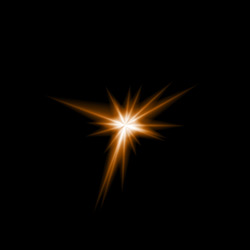
Largo aleatorio = 75 -
Ancho de rayo (10-100). El parámetro cambia la anchura de los rayos en el elemento.
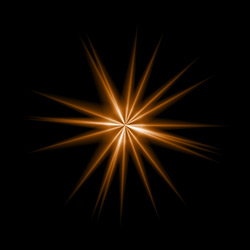
Ancho de rayo = 25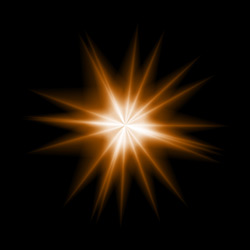
Ancho de rayo = 75 - Número aleatorio (0-999). Este es el número inicial para el generador de números aleatorios que define la distribución de las rayos en el elemento. Puede ser cualquier número entre 0 y 999; cada número produce una distribución única de rayos.
LightShop v. 8.1 - Prueba gratuita de 10 días
