Retoque de fotografias
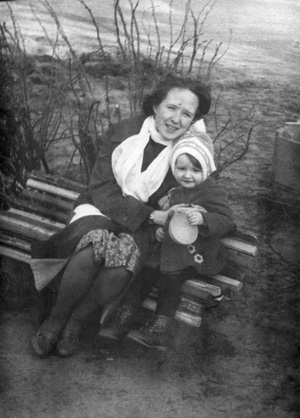
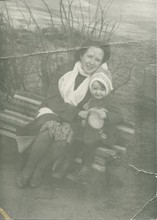
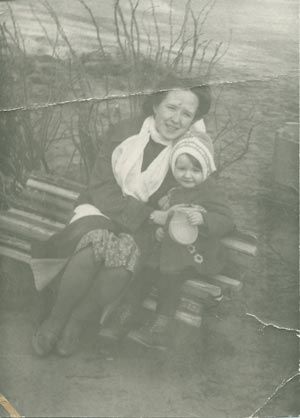
No exemplo seguinte retocaremos uma foto degradada com manchas.
Nós trabalharemos com a versão do AKVIS Multibrush no Adobe Photoshop e usaremos a ferramenta Pincel-camaleão para remover arranhões e manchas da forma mais natural.
 |
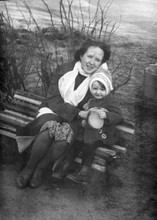 |
Antes de tudo usaremos as ferramentas do Adobe Photoshop para aplicar a correção tonal, após o que aplicaremos o plug-in AKVIS MultiBrush para remover arranhões e vincos.
-
Passo 1. Vamos começar com o comando Imagem -> Ajustes -> Desaturate para remover a tonalidade amarelada.
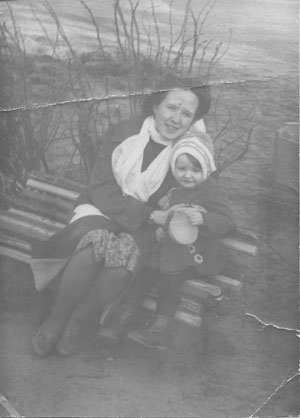
-
Passo 2. A imagem está na tonalidade cinza. Ela necessita das cores preto e branco para incrementar a qualidade tonal. Usaremos o comando Níveis para correção.
Vamos abrir a caixa de diálogos Niveis e selecionar o comando Imagem -> Ajustes -> Niveis. Arraste o controle deslizante abaixo do histograma para fora: mova o controle deslizante preto para a direita até a posição 79, e mova o controle deslizante branco para a esquerda para a posição 224.
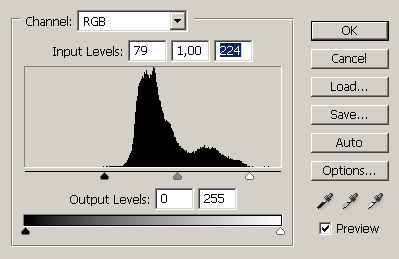
Após ter pressionado o botão OK na caixa de diálogos Níveis, veremos a seguinte imagem:
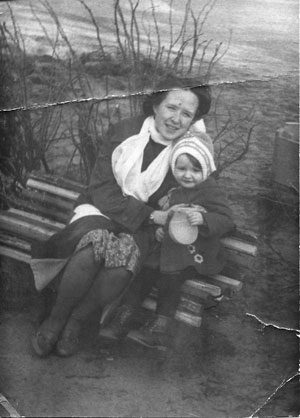
-
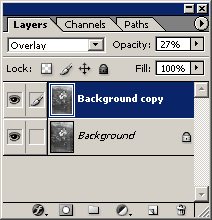
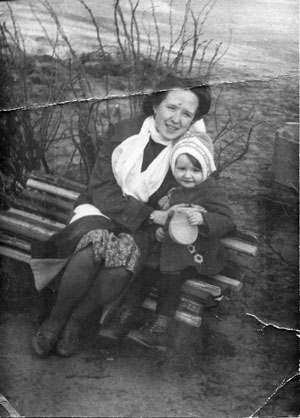
Passo 3. Vamos deixar os tons da foto mais intensos. Primeiro criamos uma cópia da camada arrastando esta camada para o ícone Criar uma Nova Camada na parte inferior da paleta de Camadas (Layers). Em seguida, selecionamos o modo Overlay e definimos a Opacidade (Opacity) da camada em 27%.
-
Passo 4. Agora podemos proceder a remoção de defeitos. Após a correção tonal, os arranhões e dobras se tornaram mais pronunciados e podemos detectar e removê-los com facilidade.
Nós iniciamos o plug-in AKVIS MultiBrush selecionando o comando AKVIS -> MultiBrush no menu Filtro.
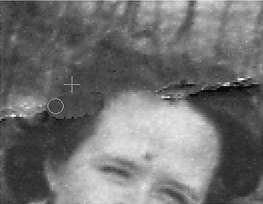
Na janela do AKVIS MultiBrush selecione a ferramenta Pincel-camaleão
 e copie das áreas intactas para as mais danificadas.
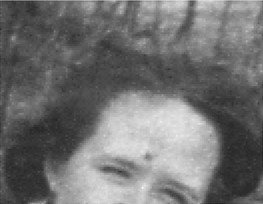
Estes 4 passos simples permitiu-nos retocar a foto em poucos minutos: