A Siamese cat
Neste momento esta página está disponível somente em Inglês. A versão em Português estará disponível em breve.
The tutorial has been created by Julien Laparre in Paint Shop Pro 9.
Julien Laparre used AKVIS Enhancer to enhance a photo of a Siamese cat.
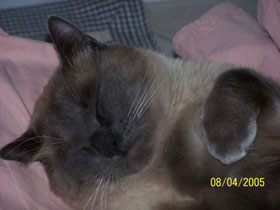
|
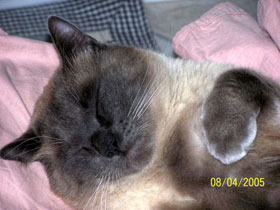
|
| Before | After |
Apply AKVIS Enhancer to correct the photo:
- Step 1. Open the image in your photo editor (in this case Paint Shop Pro 9).
- Step 2. Call the AKVIS Enhancer plugin. For this purpose select the menu item Effects - Plugins - AKVIS - Enhancer in Paint Shop Pro 9.
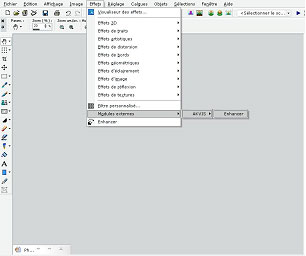
You will see the program window of AKVIS Enhancer.
Attention: Julien processed the photo with version 2.0 of Enhancer that had a different algorithm.
The later versions of Enhancer improve the photo as well.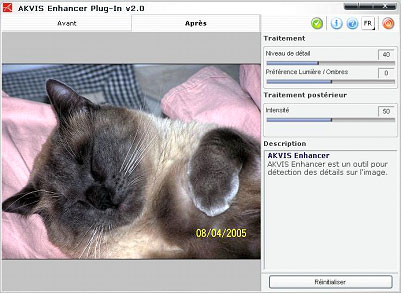
- Step 3. When the correction is done, press the button
 to apply the result to the picture.

Enhancer v. 17.8 - Teste gratuito 10 dias
