Graphic software for Windows Mac graphic software  
Entrar seu e-mail para subscrição em novidades.
 
  
  Produtos     Download     Online Store     Tutorial     Suporte     Quem Somos
en  fr  de  es  pt  it  jp  ru    
 

Tutorial: AKVIS Enhancer

Fun Slides in the Countryside


Neste momento algumas páginas são disponíveis somente em Inglês ou em Espanhol.

In this tutorial we will show you how to generate an HDR-image from a series of shots taken with different exposure settings.

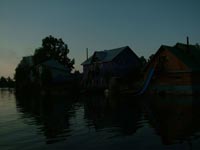
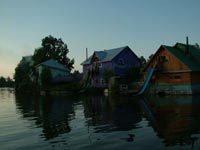
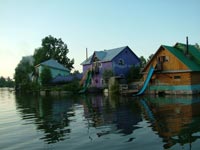
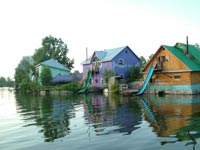
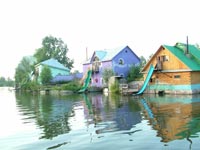
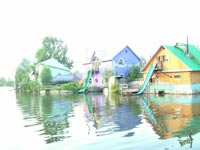
Original shots:

the same scene under different exposures the same scene under different exposuresthe same scene under different exposures

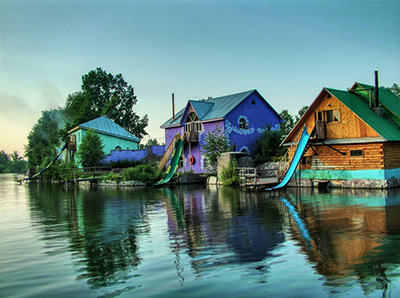
Result:

the resulting HDR-image
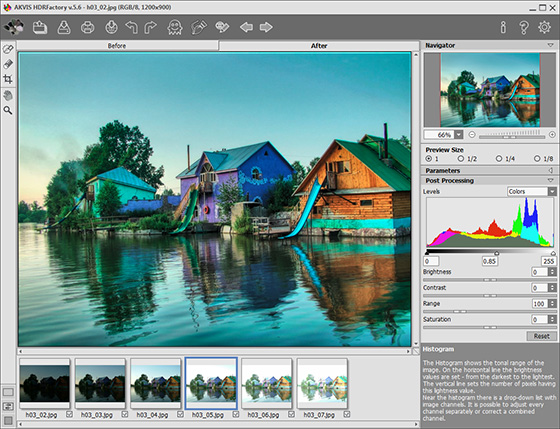
  • Step 1. Launch the standalone application AKVIS Enhancer.

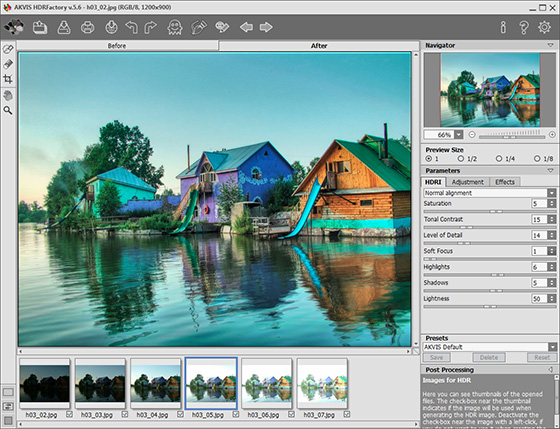
  • Step 2. Open a series of shots: click the button in the Toolbar of AKVIS Enhancer and select the required files in the dialog box.
    AKVIS Enhancer window
  • Step 3. Click on Apply. You will get an HDR-image generated at default parameters (in this case it is the AKVIS Default preset). The result will be shown in the After-tab.
    After AKVIS Enhancer
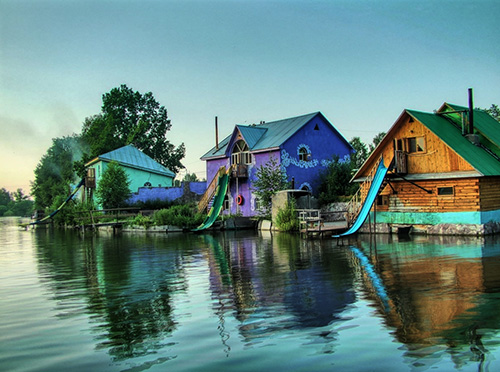
  • Step 4. Now switch to the Post Processing tab. Increase the image contrast by moving the gray point to the right.
    improved image contrast
  • Step 5. Save the result. For this purpose click on in the Toolbar and indicate the folder in the Save as dialog box.
    Image created using HDR technology

    The photo is ready. You can continue editing, if you like.

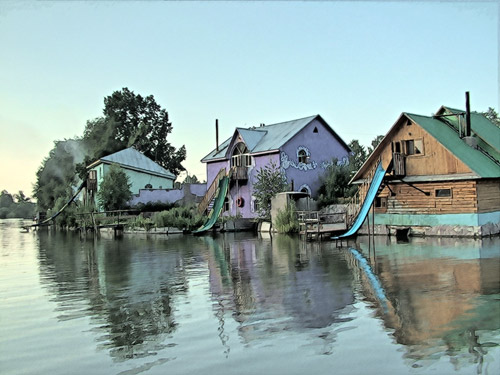
    For example, turn the photo into a watercolor drawing using AKVIS Sketch,

    watercolor drawing
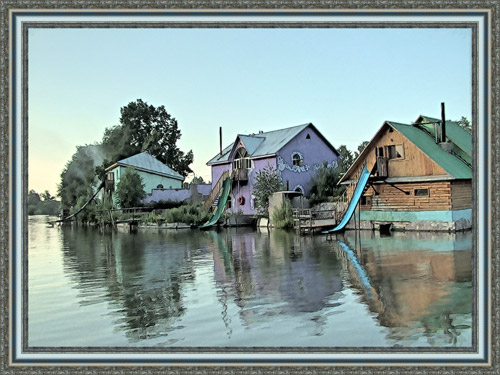
  • or add a photo frame to the image using AKVIS Frame Suite.

    Add a photo frame
 
AKVIS Enhancer Plug-In AKVIS Enhancer Plug-In
   — Área de Trabalho — Área de Trabalho
   — Como trabalha — Como trabalha
   — Focus mode — Focus mode
   — Batch Processing — Batch Processing
AKVIS Enhancer - HDR program AKVIS Enhancer - HDR program
   — Área de Trabalho — Área de Trabalho
   — Enhancer mode — Enhancer mode
   — Focus mode — Focus mode
   — HDR mode — HDR mode
   — High dynamic range image — High dynamic range image
Exemplos Exemplos
   — Peisagem urbano — Peisagem urbano
   — Uma criança no jardim — Uma criança no jardim
   — Um camião — Um camião
   — Uma cidade artiga — Uma cidade artiga
   — Uma fotografia do veado — Uma fotografia do veado
   — Um templo — Um templo
   — Em campo de jogo — Em campo de jogo
   — Aqueiros — Aqueiros
   — Um templo ortodoxo — Um templo ortodoxo
   — Laranjeira — Laranjeira
   — Uma imagen em frente de Sol — Uma imagen em frente de Sol
   — Uma ilustração técnica — Uma ilustração técnica
   — Em cidade de tarde — Em cidade de tarde
   — Uma fotografia escura — Uma fotografia escura
   — Pequenito com chocalho — Pequenito com chocalho
   — Um olhar através da neblina — Um olhar através da neblina


   Política de privacidade | Mapa do Site | Pesquisar na site | English  | Français  | Deutsch  | Español  | Português  | Italiano  | 日本語  | Pусский  | © 2004-2008, AKVIS Software Inc. Todos os direitos reservados.