Elevar espíritos
Levante o seu humor adicionando cor a coisas monótonas e verá o mundo mudar.
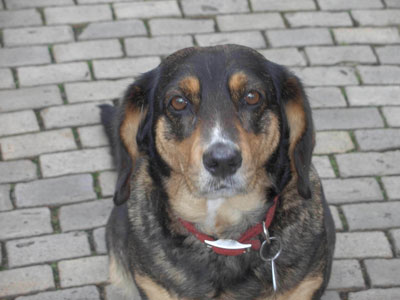
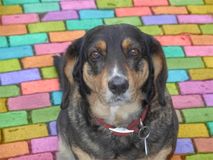
Aqui temos uma foto de um cão enantador de Dresden enviada por Victor Novikoff. O cachorro é charmoso, mas o fundo é um pouco apagado. Transformaremos este pavimento em um mosaico colorido.
-
Passo 1. Abra a foto de um cão no AKVIS Coloriage AI e mude para o modo Clássico .
-
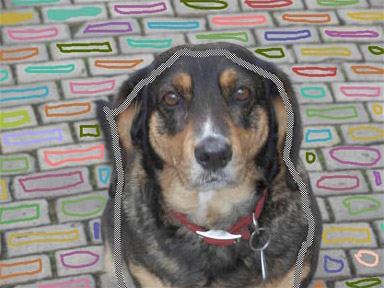
Passo 2. Para fazer um mosaico colorido deste pavimento usamos a ferramenta Lápis
 e determinamos uma cor para cada pedra. È possível também traçar contornos com uma cor e depois usar a ferramenta Tubo
  para colorir cada pedra na cor que você gosta.
-
Passo 3. Use o Lápis manter cores
 para desenhar um contorno dentro do cachorro desta maneira ele mantém suas cores e não as cores do pavimento.
-
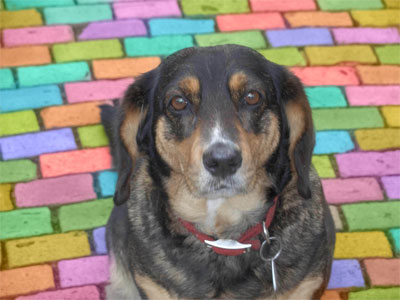
Passo 4. Pressione o botão
 e o monótono pavimento se transformará em um fundo cheio de cores.
Coloriage AI v. 15.7 - Teste gratuito 10 dias
