A happy kid
あいにく, このページは英語にだけ使用可能です。
The following example of old photo restoration have been created by Yuriy Karanfil.
Follow the instruction to restore the photo of the kid:
- Step 1. Open the photo in Adobe Photoshop.
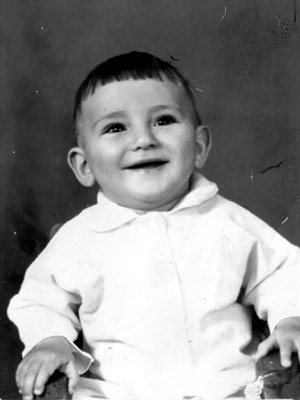
- Step 2. Press the key Q to switch to Quick mask.
- Step 3. Select the Pencil or Brush tool from the Toolbar and paint over the defects.
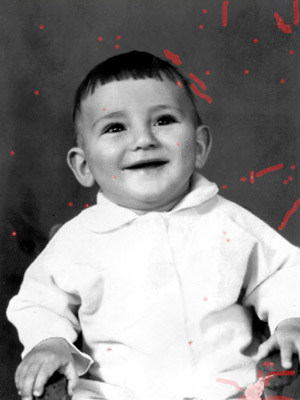
- Step 4. Switch back to the Standard mode (Q) and invert the selection pressing the key combination Shift+Ctrl+I.
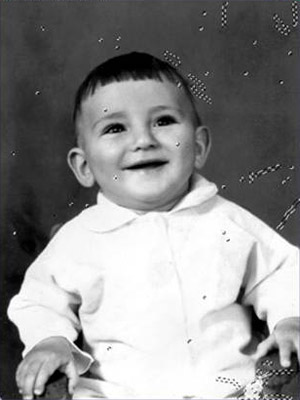
- Step 5. Select the command AKVIS Retoucher from the menu item Filter to start the program.

- Step 6. Press the button
 in the program window to launch the restoration process.
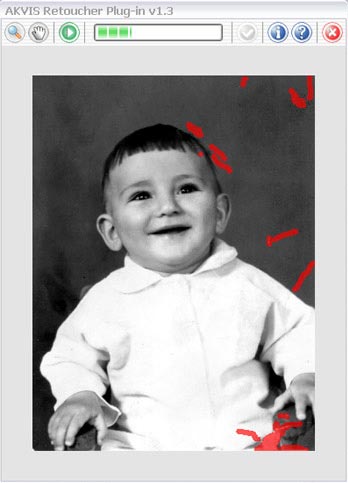
- Step 7. When the restoration process is over, press the button
 to apply the result.

Retoucher v. 12.2 - 10日間の評価期間
