Removing Facial Shine
あいにく, このページは英語にだけ使用可能です。
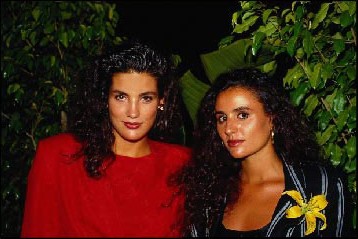
Sometimes a good portrait may be damaged by facial shine from perspiration or facial oil.
Here AKVIS MultiBrush can help us.
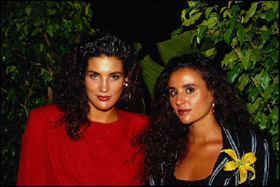
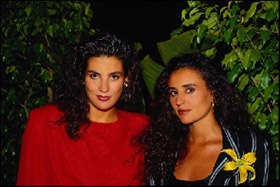
-
Step 1. Select the Chameleon Brush tool from the Toolbar pressing the button
 and adjust the size of the brush.
- Step 2. Deactivate the check box Aligned so that every time you apply the stamp the pattern is taken from one and the same starting point.
-
Step 3. Press the Alt-key (Option on Macintosh) and use the left mouse button to specify the pattern on the face that doesn't have greasy shine. You can also sample a pattern on the neck or decollete.
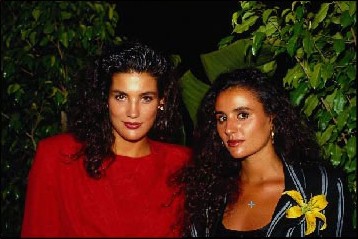
-
Step 4. Put the cursor to the forehead of the girl in red and apply the cloned pattern to the greasy shine.
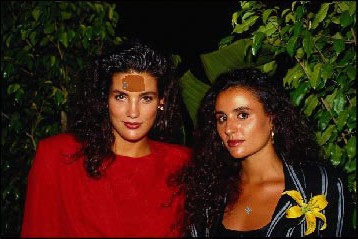
As soon as you release the button, the cloned object adjusts to the color of the original image.
-
Step 5. We will process the cheeks and the chin of the girl in red in the same way. Then we will proceed to the second girl.
And now we have the retouched portrait without facial oily shine.
Let's compare "before" and "after" images:
