スポンジツール
スポンジツール は、隣り合うピクセルの彩度やコントラストを変えてイメージのトーンを調整します。このツールには2種類のモードがあります。 彩色モードでは彩度が高く色鮮やかになるのに対して、非彩色モードでは彩度が低く白黒に近くになります。ツールへの簡単なアクセス、覆い焼きツール、焼きこみツール、 スポンジツールの切り替えは、Eキーを使用します。
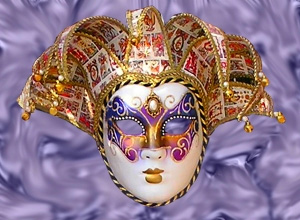 |
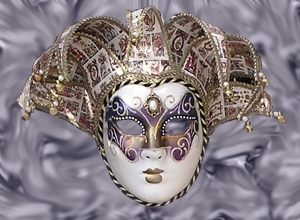 |
| 彩色モード | 非彩色モード |
ツールのパラメータは、イメージ上を右クリックして表示されるボックスと 設定パネル の両方で調整できます。
パラメータ値を変更する場合、パラメータ フィールドに数値を入力してEnter (Macintoshの場合はReturn)を押すか、スライダを左右に動かして調整します。
- 範囲 (設定可能値は1-1000): スポンジツールの大きさを指定します。
-
硬さ (設定可能値は0-100): 明るさの適用が部分的になる境界部分での色の遷移の滑らかさ指定します。値が高いと境界部分は比較的はっきりとわかりますが、低い値では境界がはっきりせず、除々に背景へと同化していきます。
虹のエッジ部分への影響 

硬さ = 10% 硬さ = 85% -
強度 (設定可能値は1-100): 効果の強度を指定します。値が高いほど、変化の度合いは強くなります。
色の変更 
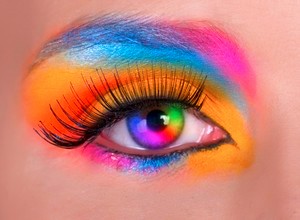
強度 = 10% 強度 = 80%
彩度を直線で変更する場合、クリックで始点を指定し、Shiftキーを押しながら終点までドラッグして最後にShiftキーを離します。Shiftキーを離さない場合、クリックするそれぞれの位置まで新たな直線がひかれます。
