Graphic software for Windows Mac graphic software  
Enter your email address to subscribe to the AKVIS news.
 
  
  Prodotti     Download     Online Store     Tutorial     Supporto     Chi siamo
en  fr  de  es  pt  it  jp  ru    
 

Tutorial: AKVIS Enhancer

Fun Slides in the Countryside


Questa pagina è disponibile soltanto in inglese. La traduzione italiana comparirà presto.
Se desiderate ottenere una licenza gratuita per la traduzione, prego di scrivere noi.

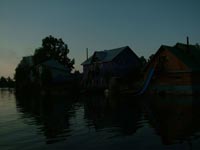
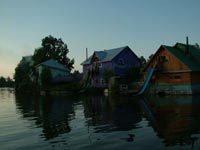
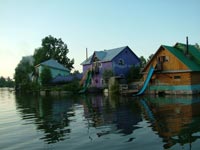
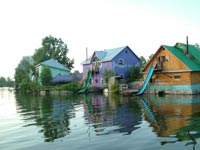
In this tutorial we will show you how to generate an HDR-image from a series of shots taken with different exposure settings.

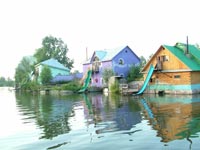
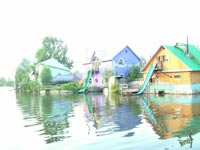
Original shots:

the same scene under different exposures the same scene under different exposuresthe same scene under different exposures

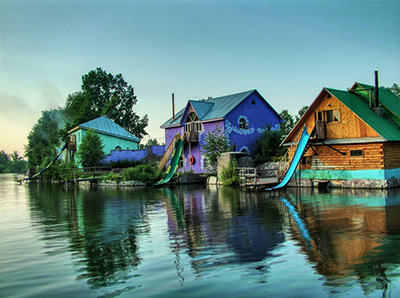
Result:

the resulting HDR-image
  • Step 1. Launch the standalone application AKVIS Enhancer.

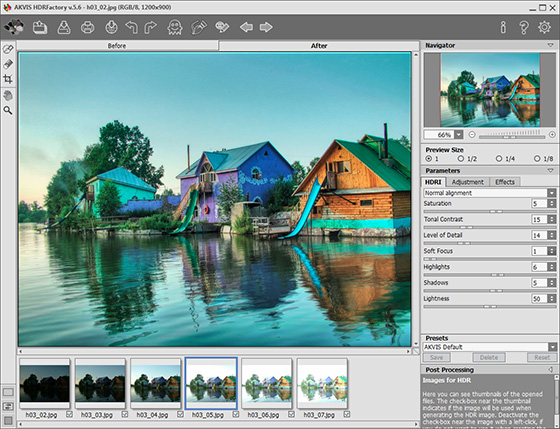
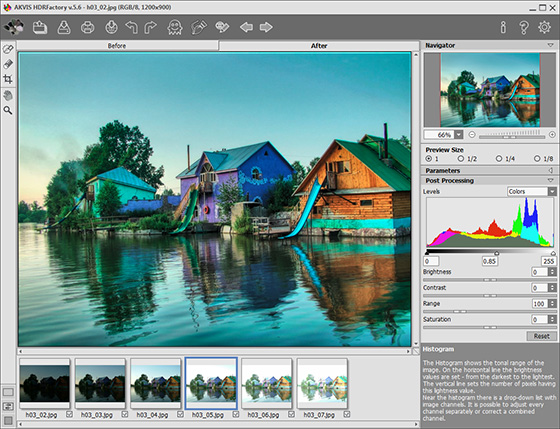
  • Step 2. Open a series of shots: click the button in the Toolbar of AKVIS Enhancer and select the required files in the dialog box.
    AKVIS Enhancer window
  • Step 3. Click on Apply. You will get an HDR-image generated at default parameters (in this case it is the AKVIS Default preset). The result will be shown in the After-tab.
    After AKVIS Enhancer
  • Step 4. Now switch to the Post Processing tab. Increase the image contrast by moving the gray point to the right.
    improved image contrast
  • Step 5. Save the result. For this purpose click on in the Toolbar and indicate the folder in the Save as dialog box.
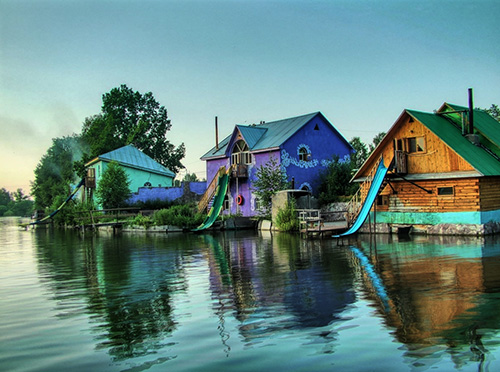
    Image created using HDR technology

    The photo is ready. You can continue editing, if you like.

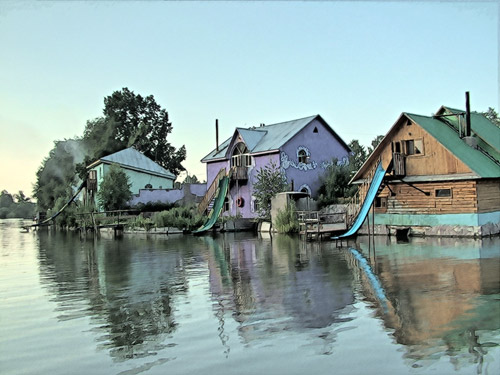
    For example, turn the photo into a watercolor drawing using AKVIS Sketch,

    watercolor drawing
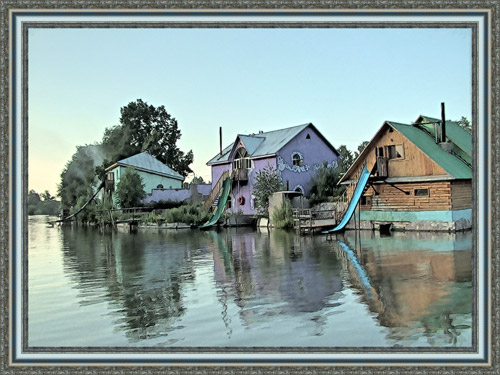
  • or add a photo frame to the image using AKVIS Frame Suite.

    Add a photo frame
 
AKVIS Enhancer Plug-In AKVIS Enhancer Plug-In
   — Spazio di Lavoro — Spazio di Lavoro
   — Funzionamento — Funzionamento
   — Focus mode — Focus mode
   — Batch Processing — Batch Processing
AKVIS Enhancer - HDR program AKVIS Enhancer - HDR program
   — Spazio di Lavoro — Spazio di Lavoro
   — Enhancer mode — Enhancer mode
   — Focus mode — Focus mode
   — HDR mode — HDR mode
   — High dynamic range image — High dynamic range image
Esempi Esempi
   — Fotografia scura — Fotografia scura
   — Il bimbo in giardino — Il bimbo in giardino
   — Il camion in dettaglio — Il camion in dettaglio
   — La Roccaforte — La Roccaforte
   — Il cervo — Il cervo
   — Foto sottoesposte da chiesa — Foto sottoesposte da chiesa
   — Bambini africani — Bambini africani


   Privacy Policy | Mappa del Sito | Cerca nel sito | English  | Français  | Deutsch  | Español  | Português  | Italiano  | 日本語  | Pусский  | © 2004-2008, Sviluppato da AKVIS Software Inc. Diritti Riservati.