Paysage de montagne
Ces photos nous ont été confiées par Denis Davydov.
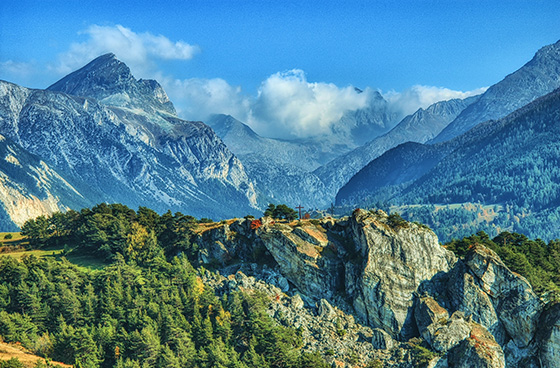
Denis nous a communiqué une série de photos prises avec différentes expositions. Le paysage est vraiment magnifique, mais les couleurs sont sombres et certains éléments sont à peine visibles car ils sont trop peu éclairés. En utilisant AKVIS HDRFactory vous pouvez faire apparaître ces détails et améliorer la saturation des couleurs.
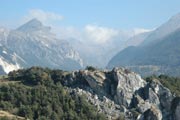
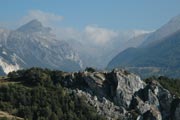
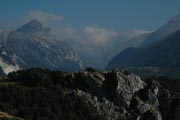
Photos originales
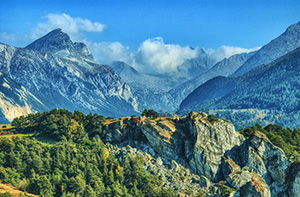
Résultat : Image HDR
Apprenez comment obtenir ce résultat :
- Etape 1. Lancez le logiciel AKVIS HDRFactory.
- Etape 2. Cliquez sur le bouton
 dans le panneau de contrôle de AKVIS HDRFactory et sélectionnez les images à utiliser.
Ces images seront chargées dans le logiciel et traitées automatiquement en utilisant les paramètres par défaut (dans le cas présent, ce sera le paramètre AKVIS Default).
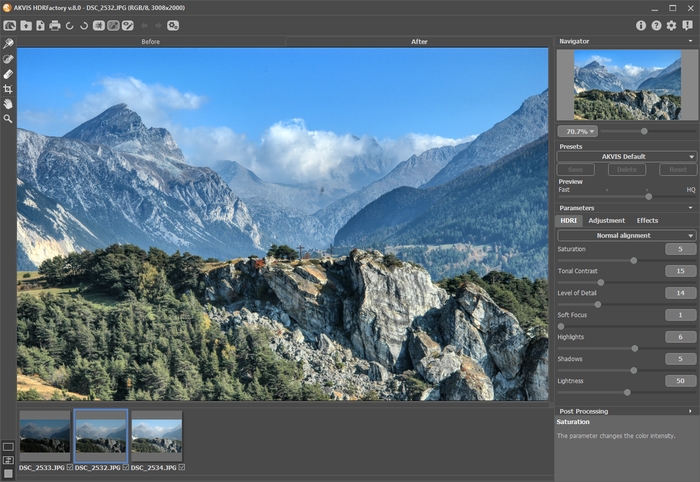
- Etape 3. Ajustez les paramètres Tone mapping.
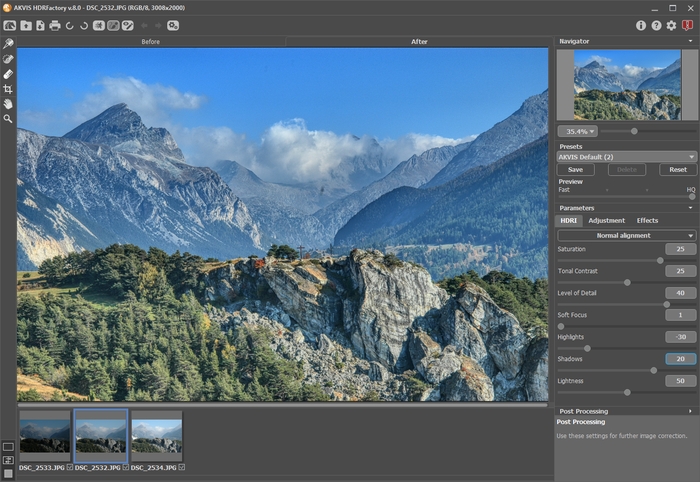
Le résultat semble correct. Vous pouvez enregistrer l'image en cliquant sur
 . Mais notre objectif est de rendre cette image plus lumineuse et de faire apparaître des détails dans les ombres.
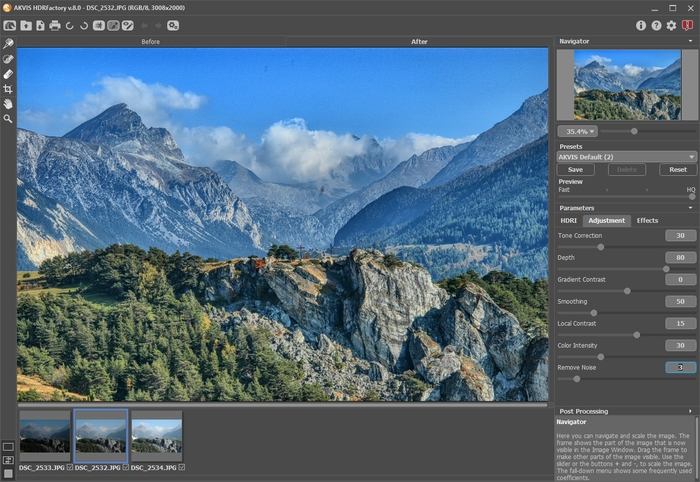
- Etape 4. Vous pouvez ajouter du volume en utilisant l'onglet Ajustement.
Vous pouvez utiliser les valeurs montrées dans la capture d'écran.
- Etape 5. L'image est maintenant trop claire ! Vous pouvez la rendre plus saturée.
Dans l'onglet Post-traitement réglez Luminosité = 15, Saturation = 40 et Gamma = 90.
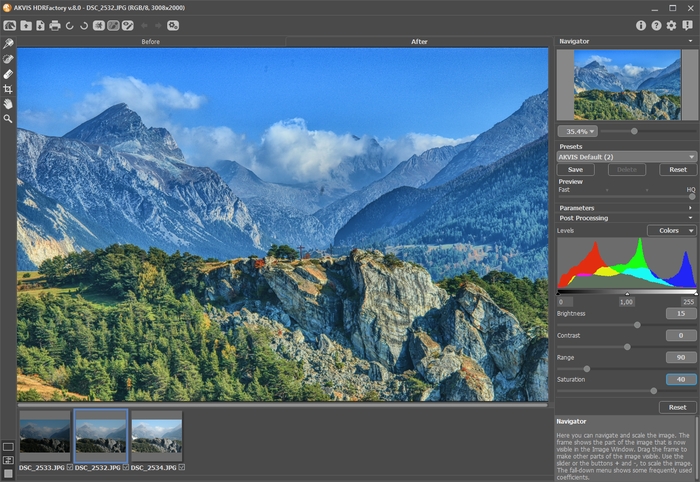
Vous pouvez comparer une des images originales avec le résultat en cliquant sur les onglets Avant et Après.
- Etape 6. Nous avons maintenant ce que nous souhaitions. Le résultat es très bon : l'image a de meilleurs détails, est plus intense et le paysage est très ensoleillé. Des petits détails et de nouvelles couleurs sont apparus, alors que l'arrière-plan a pris du relief.
Appuyez sur le bouton
pour enregistrer le résultat.
HDRFactory v. 8.1 - 10 jours d'essai
