Graphic software for Windows Mac graphic software  
Ingrese su email para suscribirse a la lista de AKVIS.
 
  
  Productos     Descargar     Tienda Online     Tutorial     Apoyo técnico     Compañia
en  fr  de  es  pt  it  jp  ru    
 

Tutorial: AKVIS Enhancer

Fun Slides in the Countryside


Esta información está disponible solamente en inglés. La version española aparecerá pronto.

In this tutorial we will show you how to generate an HDR-image from a series of shots taken with different exposure settings.

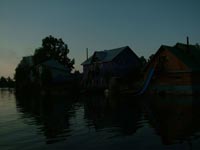
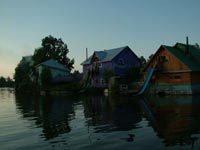
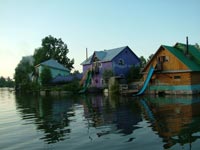
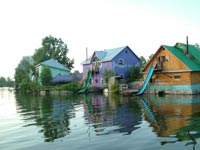
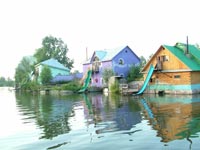
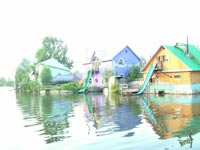
Original shots:

the same scene under different exposures the same scene under different exposuresthe same scene under different exposures

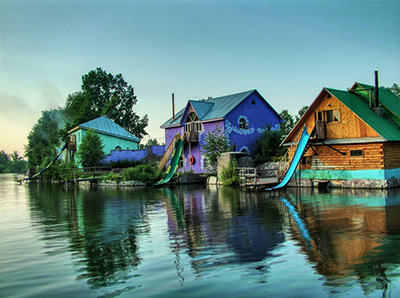
Result:

the resulting HDR-image
  • Step 1. Launch the standalone application AKVIS Enhancer.

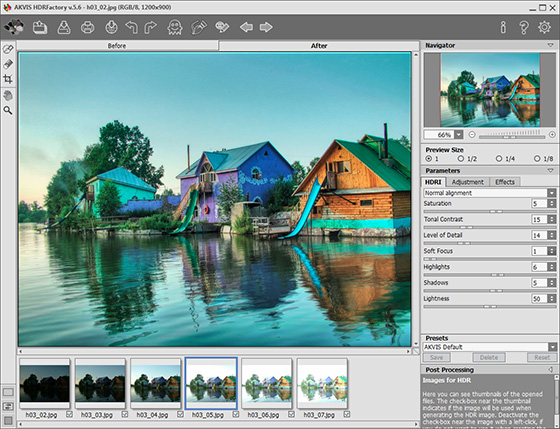
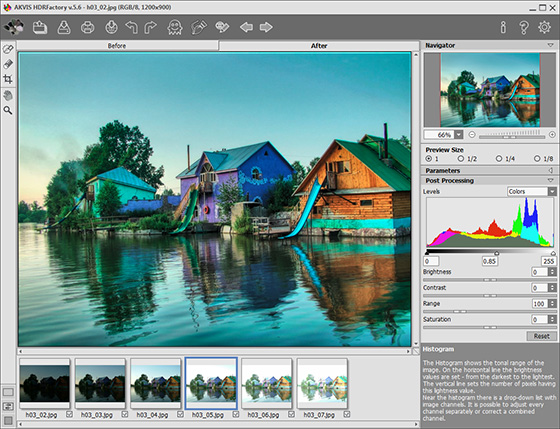
  • Step 2. Open a series of shots: click the button in the Toolbar of AKVIS Enhancer and select the required files in the dialog box.
    AKVIS Enhancer window
  • Step 3. Click on Apply. You will get an HDR-image generated at default parameters (in this case it is the AKVIS Default preset). The result will be shown in the After-tab.
    After AKVIS Enhancer
  • Step 4. Now switch to the Post Processing tab. Increase the image contrast by moving the gray point to the right.
    improved image contrast
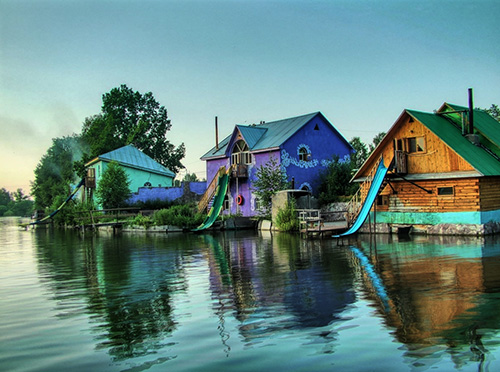
  • Step 5. Save the result. For this purpose click on in the Toolbar and indicate the folder in the Save as dialog box.
    Image created using HDR technology

    The photo is ready. You can continue editing, if you like.

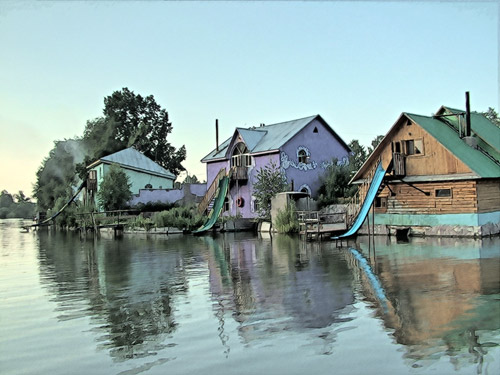
    For example, turn the photo into a watercolor drawing using AKVIS Sketch,

    watercolor drawing
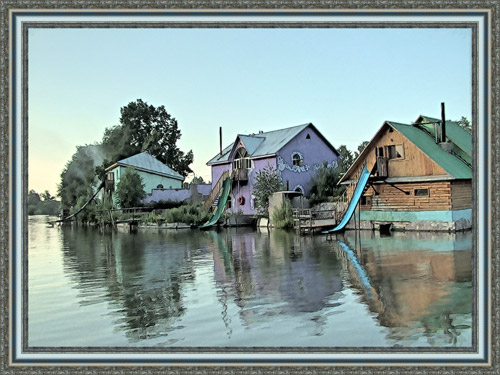
  • or add a photo frame to the image using AKVIS Frame Suite.

    Add a photo frame
 
AKVIS Enhancer Plug-In AKVIS Enhancer Plug-In
   — Área de trabajo — Área de trabajo
   — Enhancer modo — Enhancer modo
   — Focus modo — Focus modo
   — Batch Processing — Batch Processing
AKVIS Enhancer - HDR program AKVIS Enhancer - HDR program
   — Área de trabajo — Área de trabajo
   — Modo Enhancer — Modo Enhancer
   — Modo Focus — Modo Focus
   — HDR mode — HDR mode
   — High dynamic range image — High dynamic range image
Ejemplos Ejemplos
   — En la calle — En la calle
   — Foto de un niño — Foto de un niño
   — Camión — Camión
   — Ciudad antigua — Ciudad antigua
   — Mejorar la nitidez — Mejorar la nitidez
   — Foto oscura de una iglesia — Foto oscura de una iglesia
   — Pista de tenis — Pista de tenis
   — Tiro con el arco — Tiro con el arco
   — Capilla ortodoxa — Capilla ortodoxa
   — Naranjo — Naranjo
   — Foto a contraluz — Foto a contraluz
   — Ilustración técnica — Ilustración técnica
   — Ciudad en crepúsculo — Ciudad en crepúsculo
   — Foto subexpuesta — Foto subexpuesta
   — Un niño con el sonajero — Un niño con el sonajero
   — Niños africanos — Niños africanos
   — Un gato de Siam — Un gato de Siam
   — Quitar el smog — Quitar el smog
   — El poeta y las palomas — El poeta y las palomas
   — Un gato negro en una habitación oscura — Un gato negro en una habitación oscura
   — Mercado navideño — Mercado navideño


   Política de privacidad | Mapa Web | Buscar | English  | Français  | Deutsch  | Español  | Português  | Italiano  | 日本語  | Pусский  | © 2004-2008, AKVIS Software Inc. Todos los derechos reservados.